80% Pre-design
completed
completed
2 On-site
steps only
steps only
Pre-Configuration
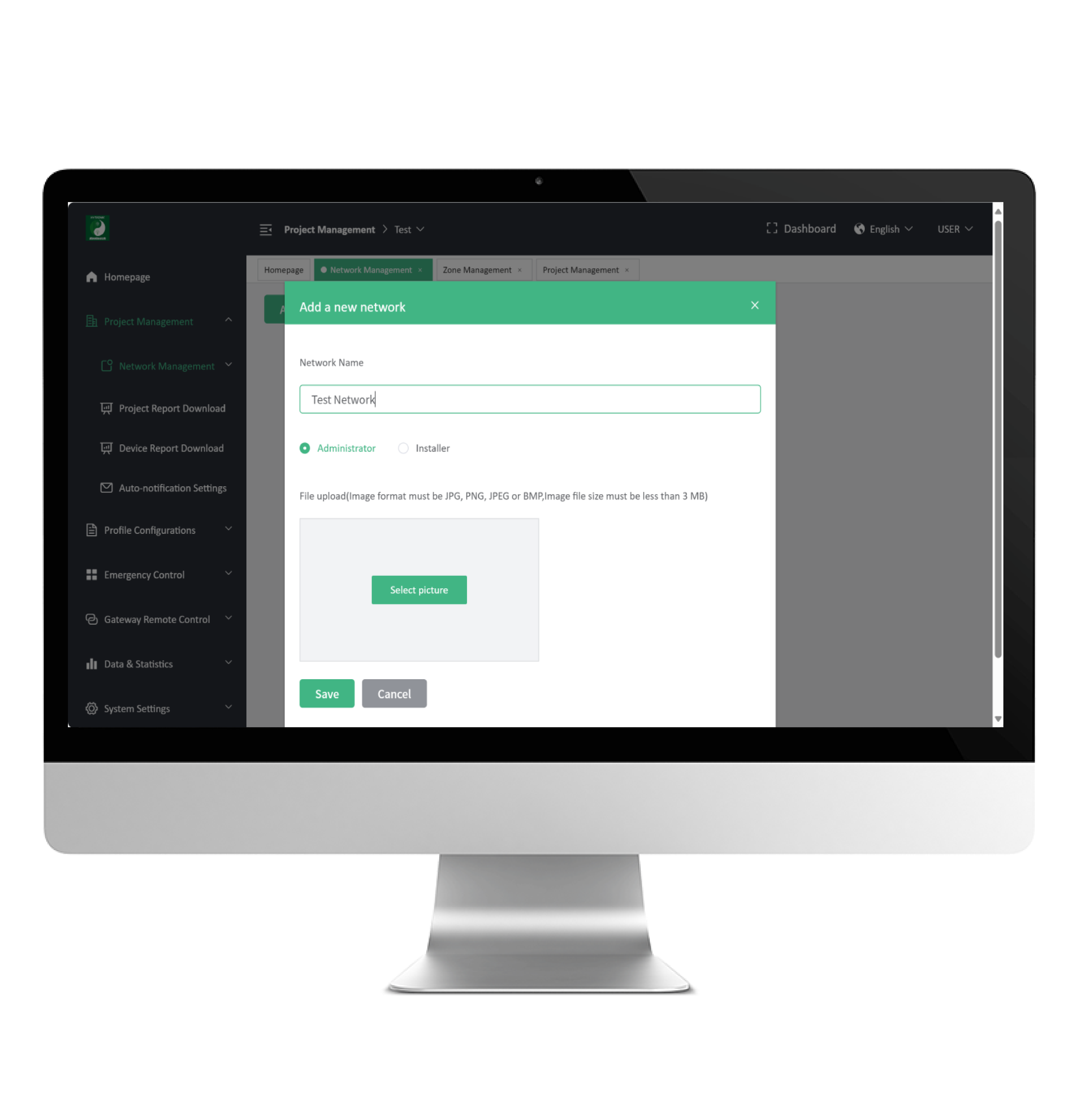
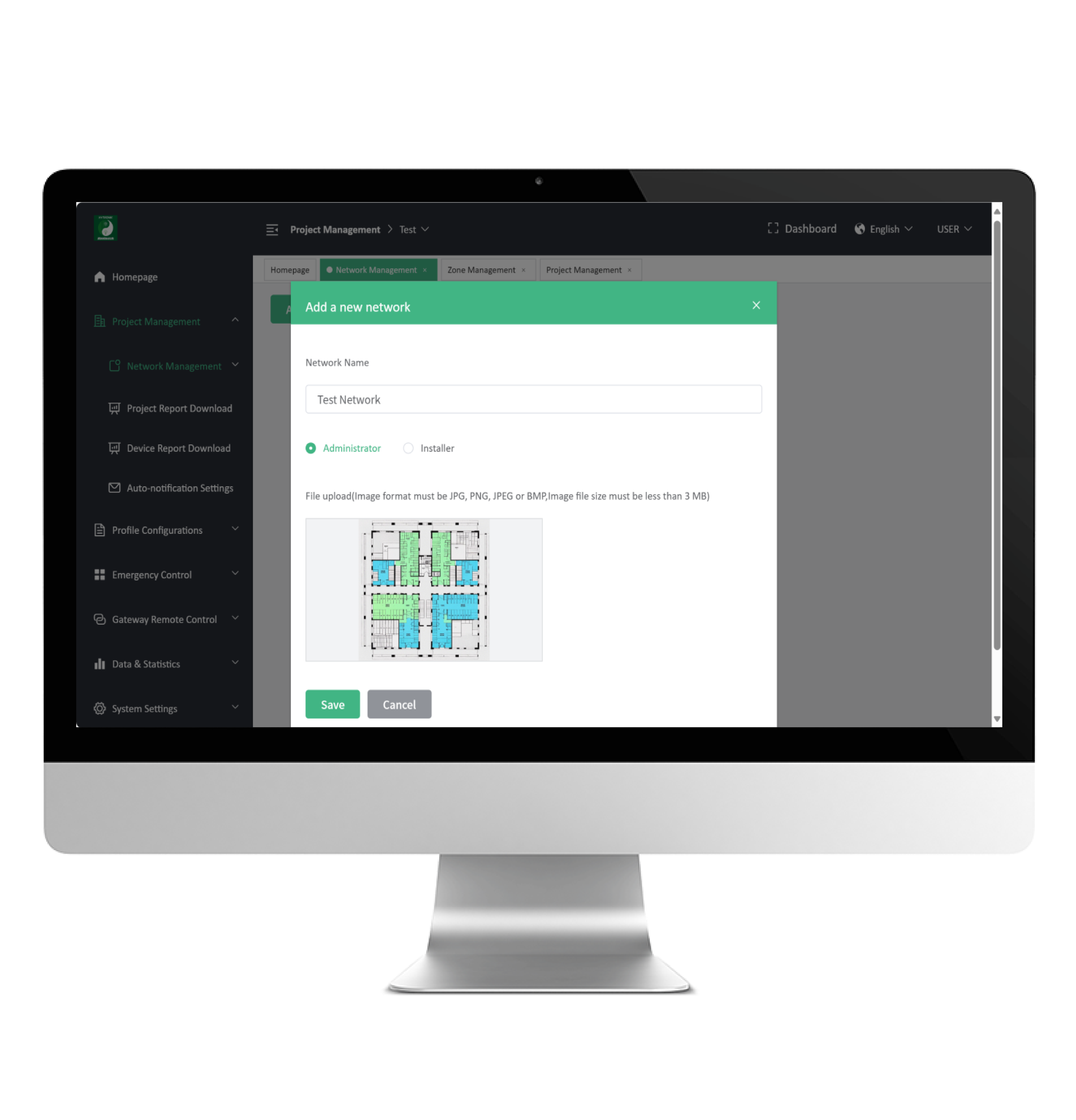
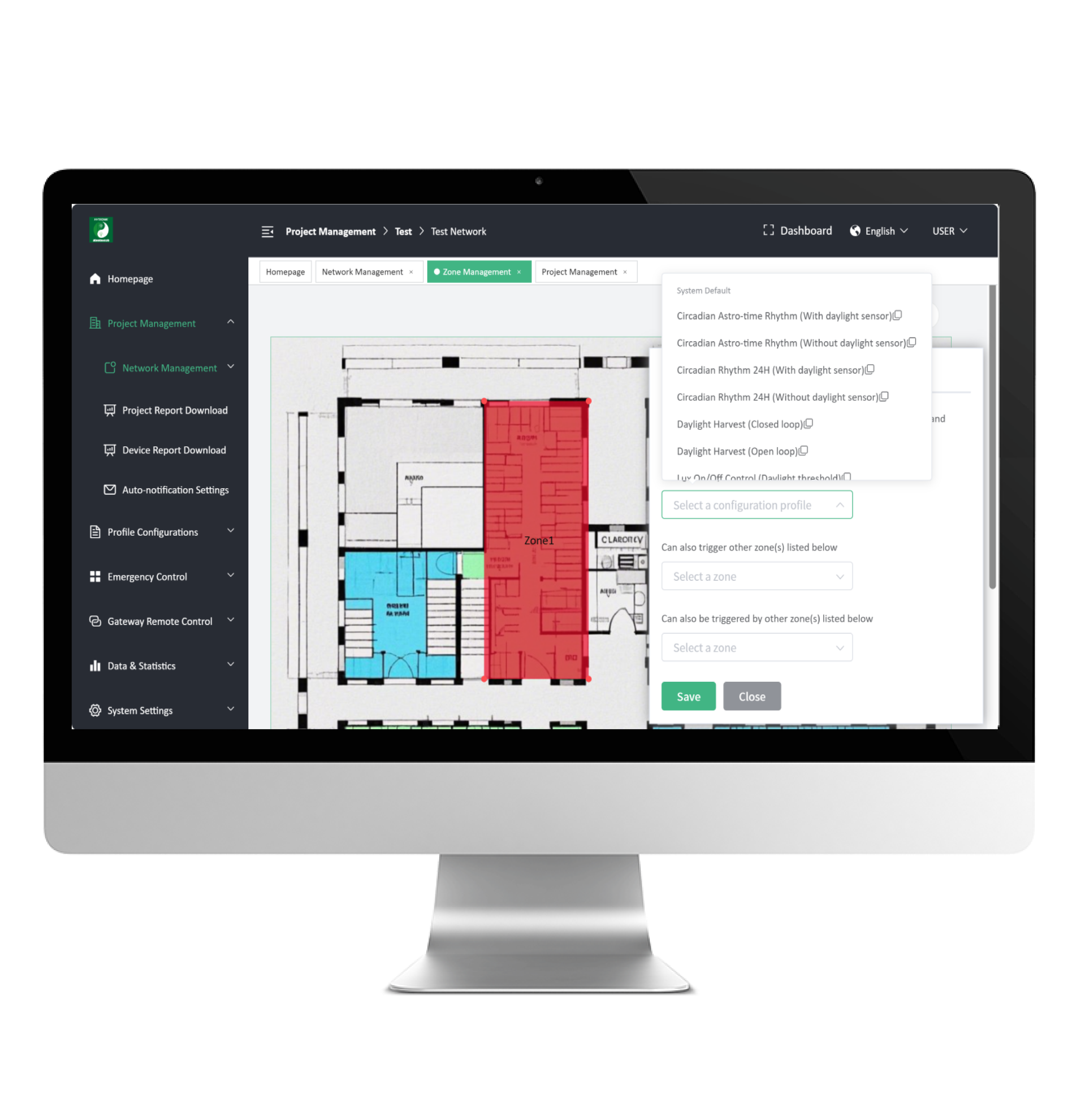
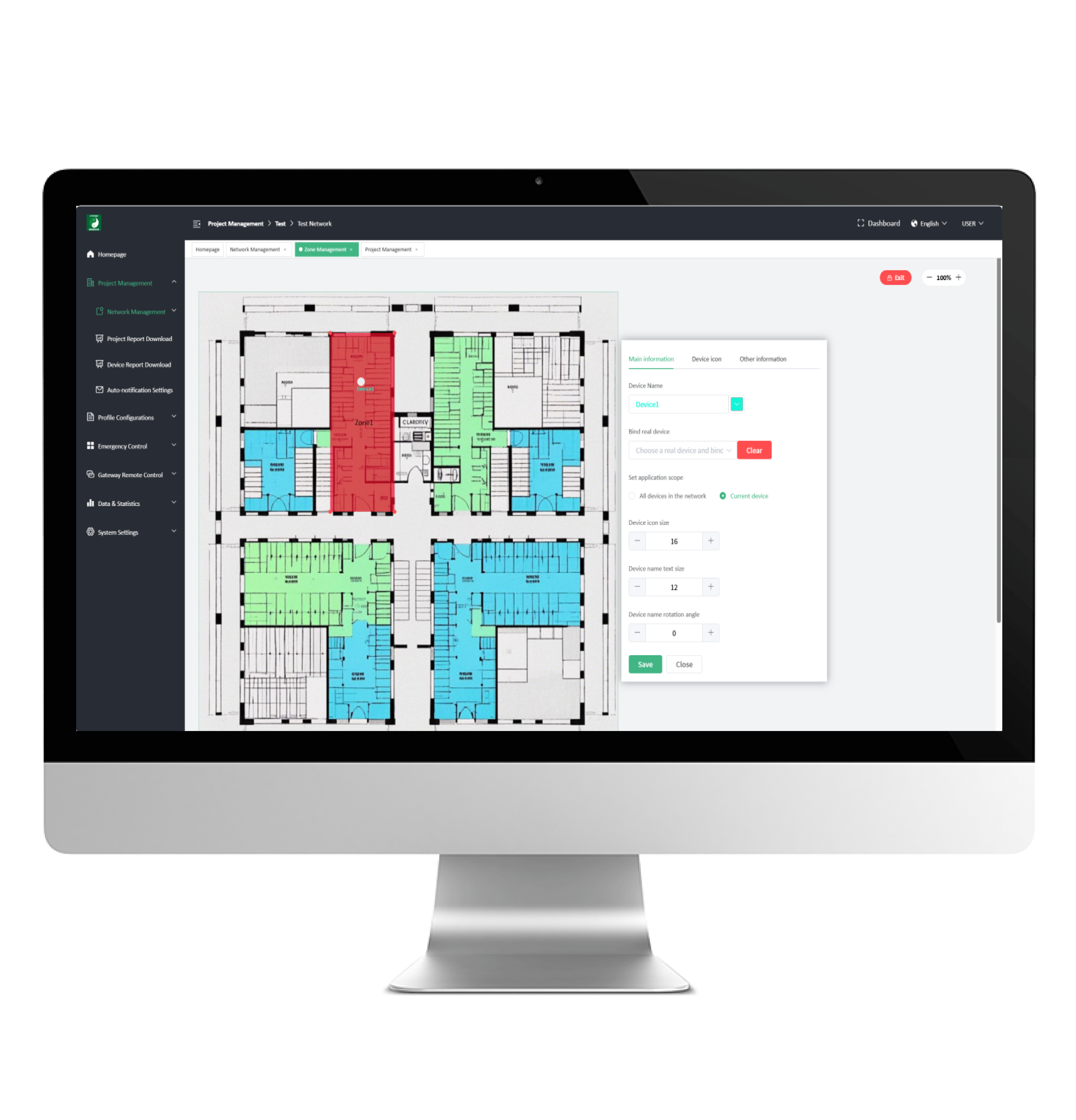
Get your project 80% done by remote pre-configuration
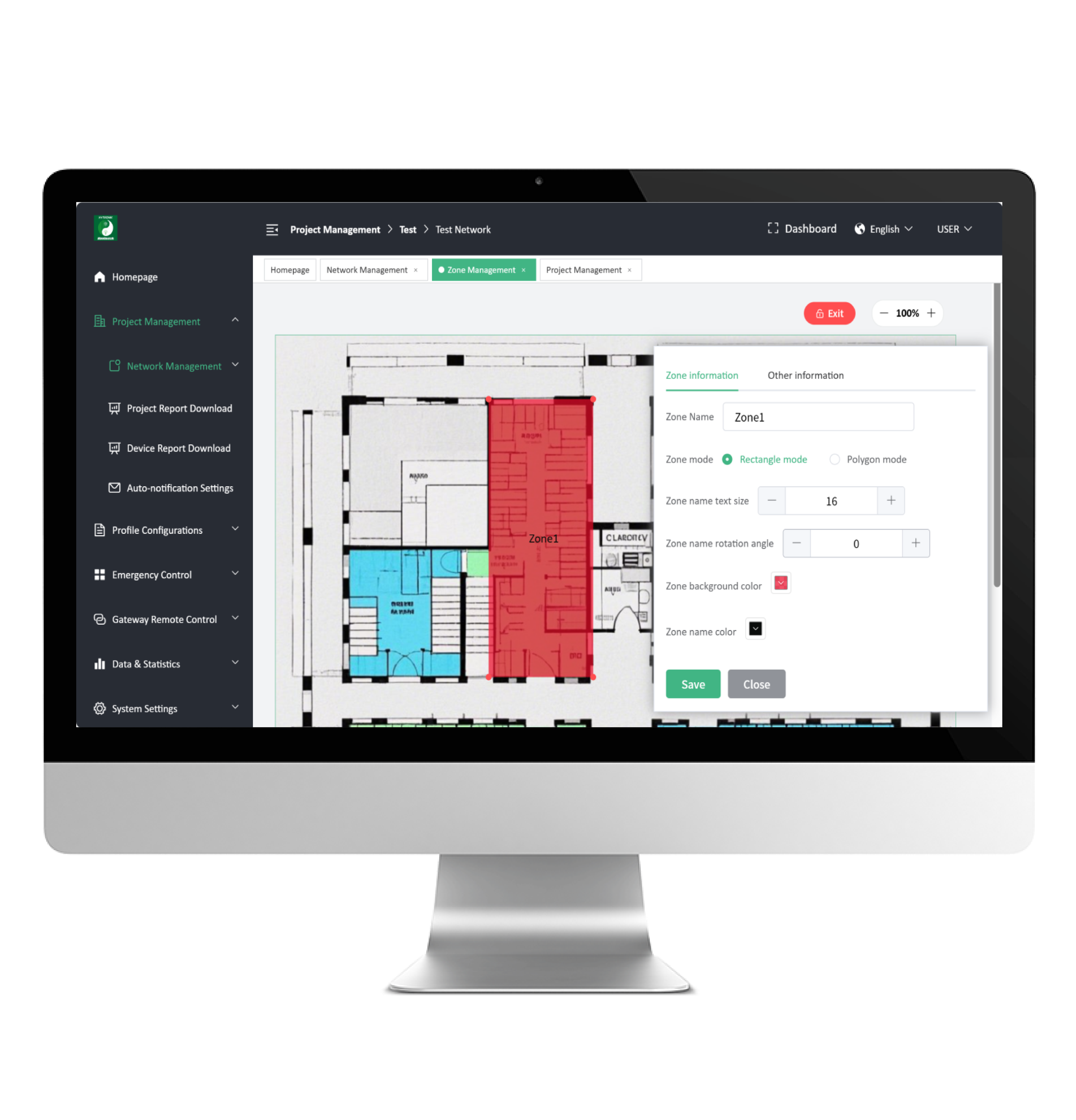
Do the planning from the office: project, floor plan, zones, profiles and virtual devices. Site time drops to a single visit.
Site Commissioning
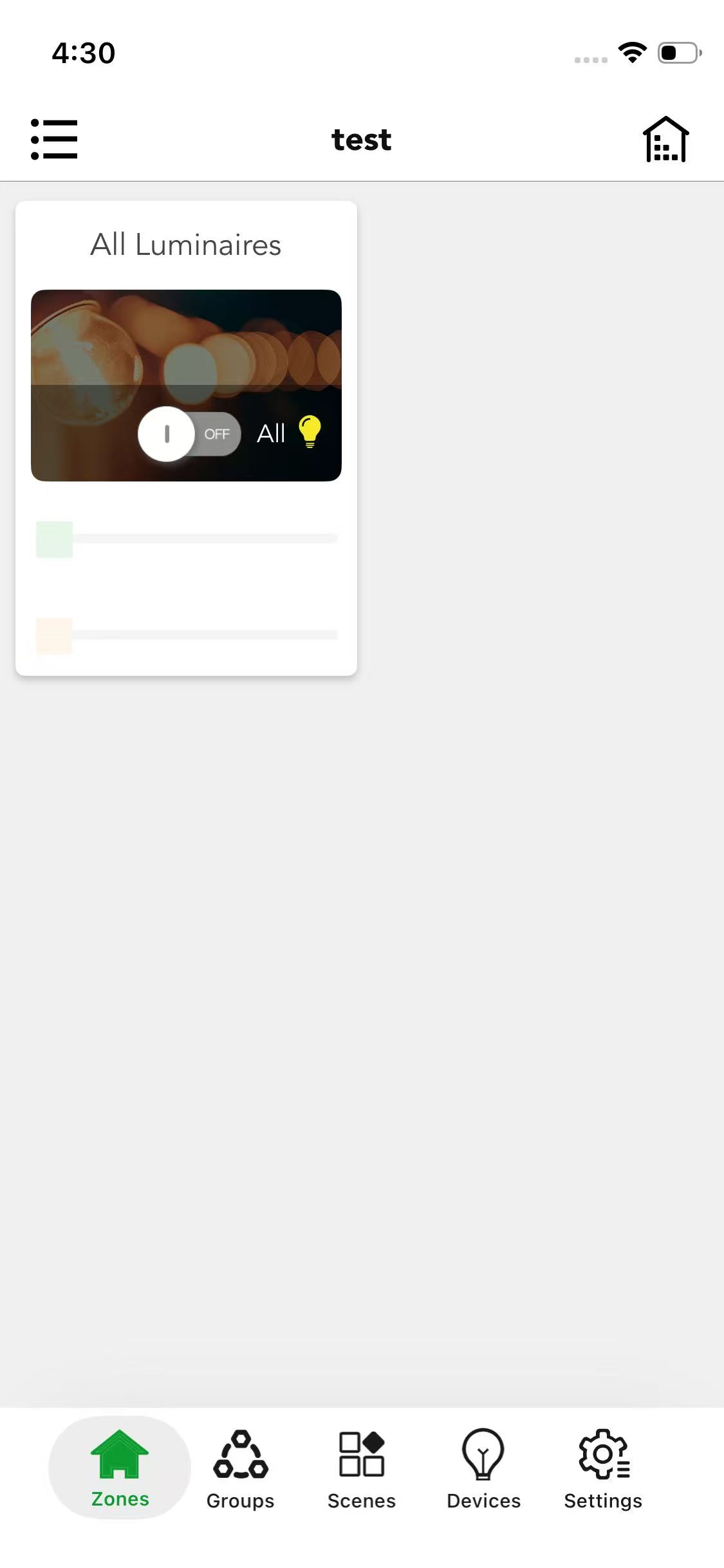
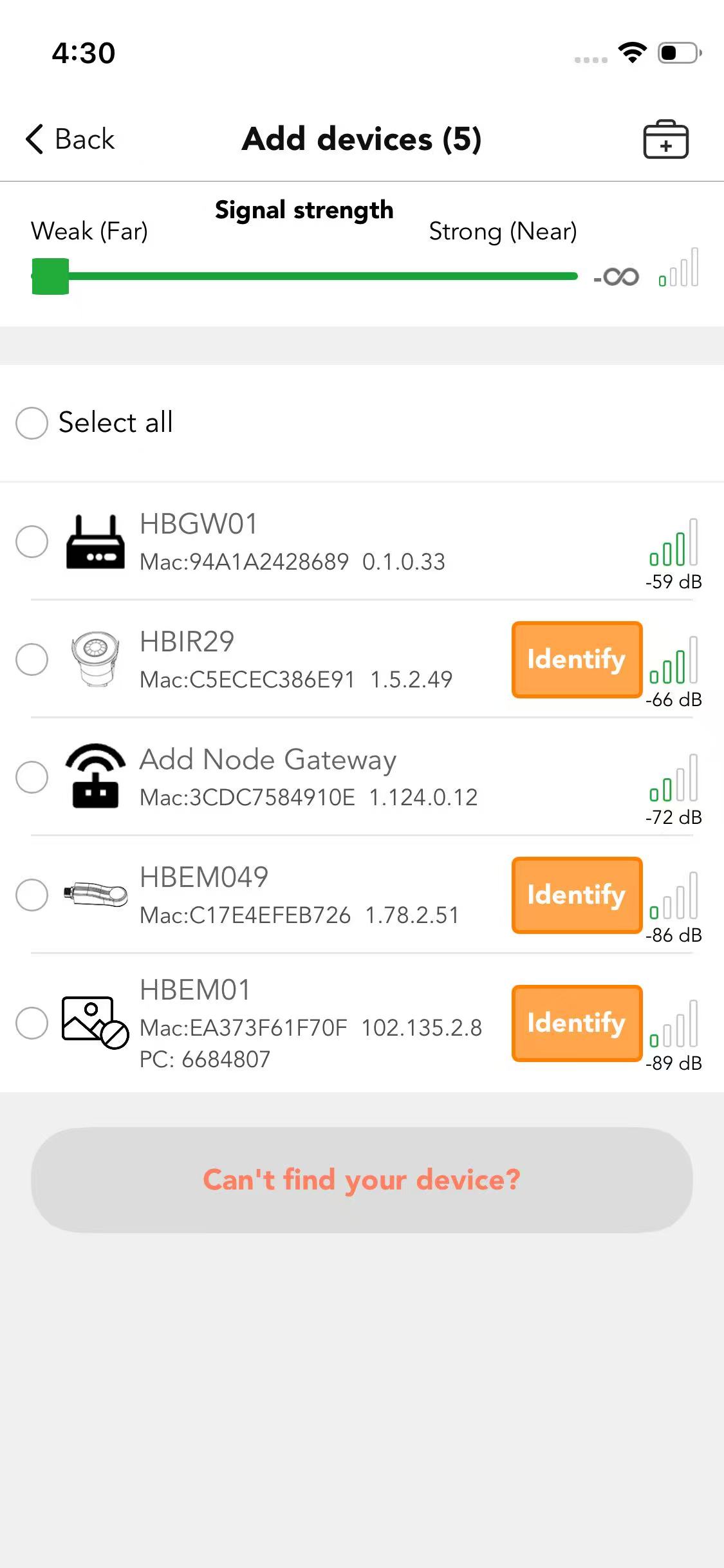
Finish the job on-site with just a few clicks
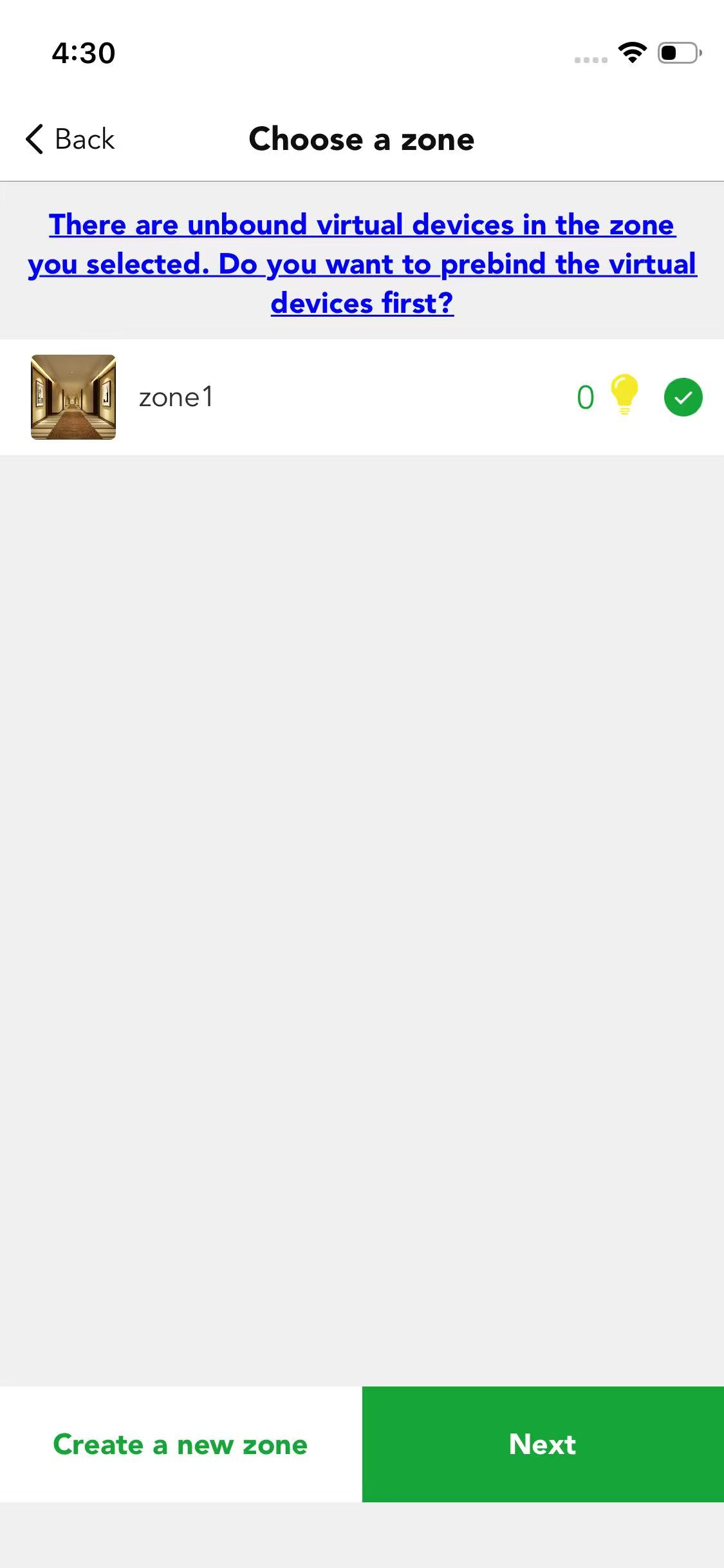
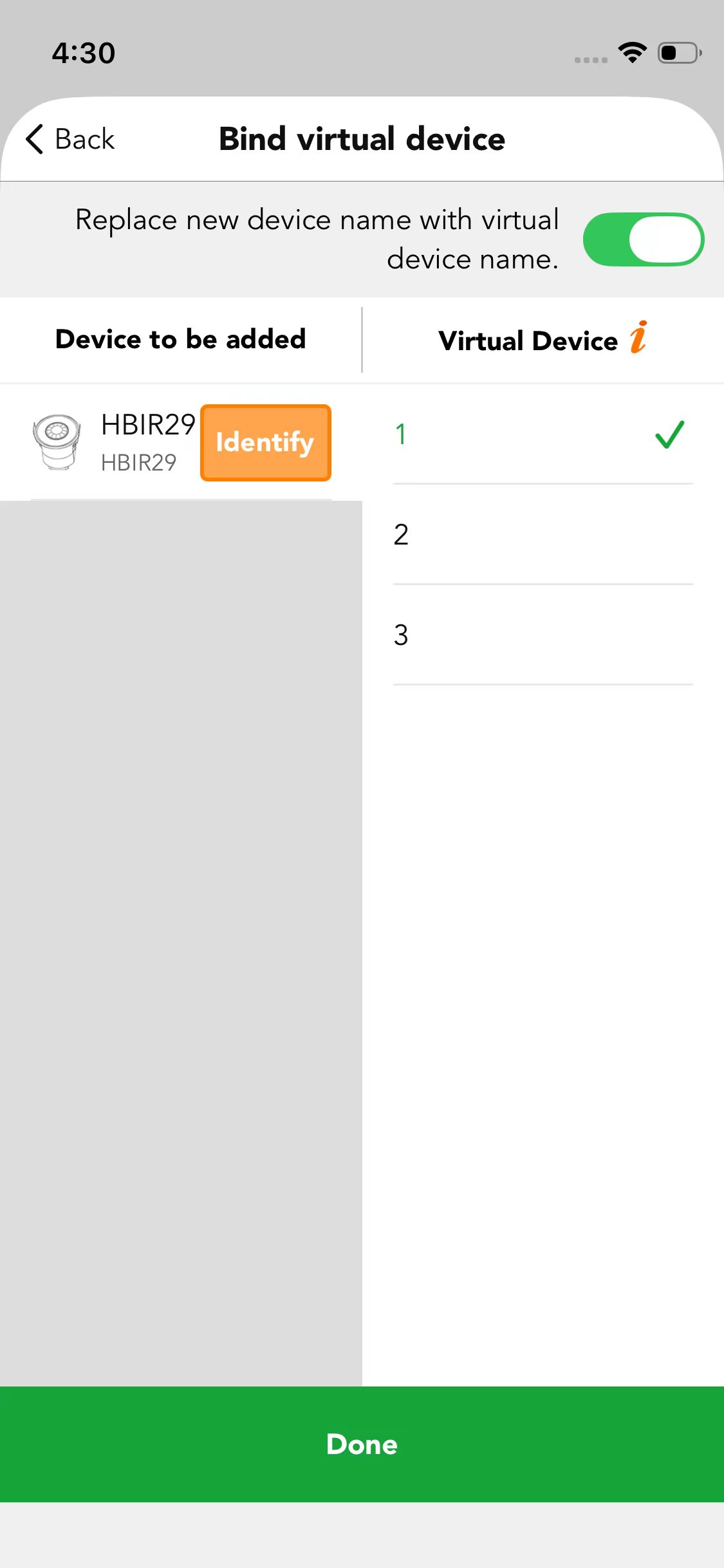
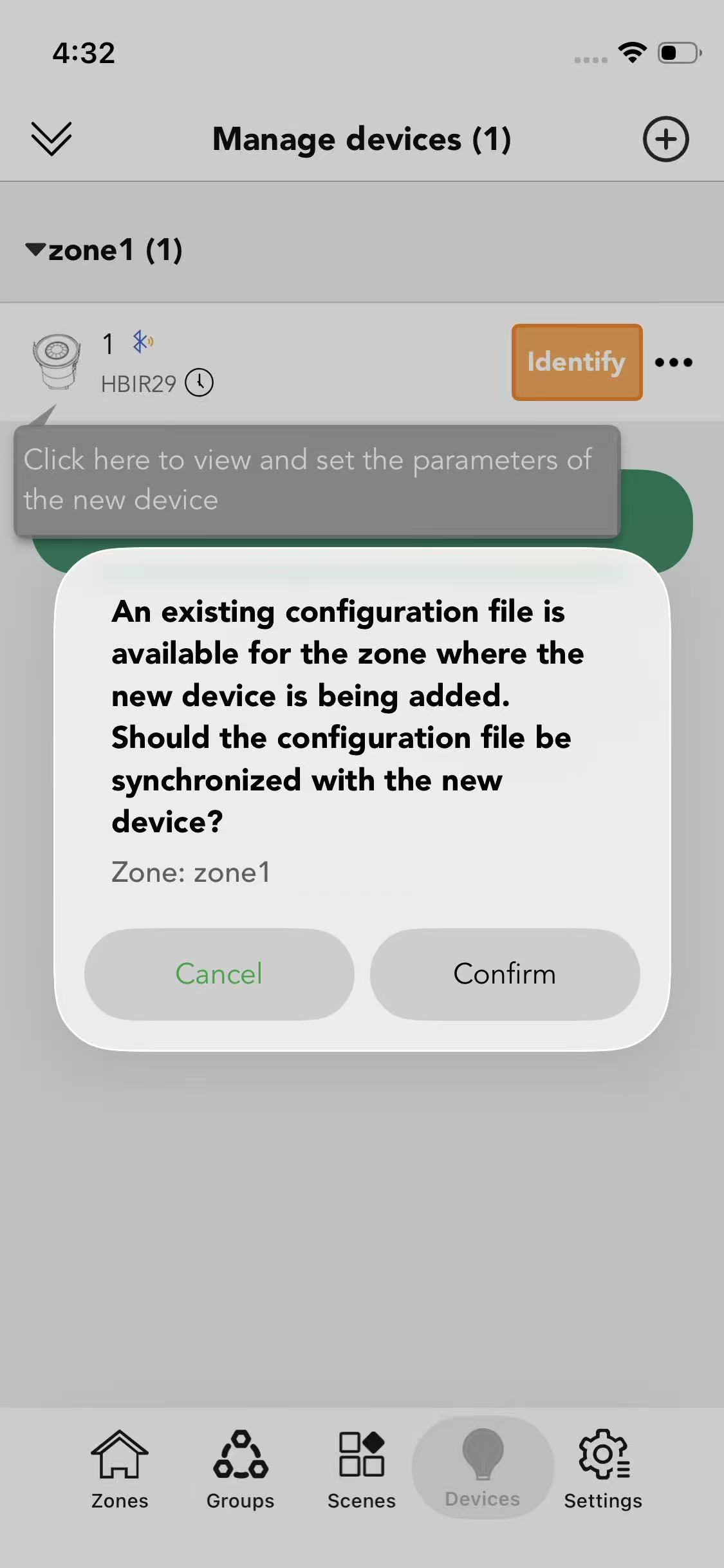
Once the plan is ready, go to site with a phone or tablet. Use the Koolmesh mobile app or Koolmesh Pro to finish things off by adding real devices to your local Bluetooth mesh network.
Remote Management
Improve management efficiency
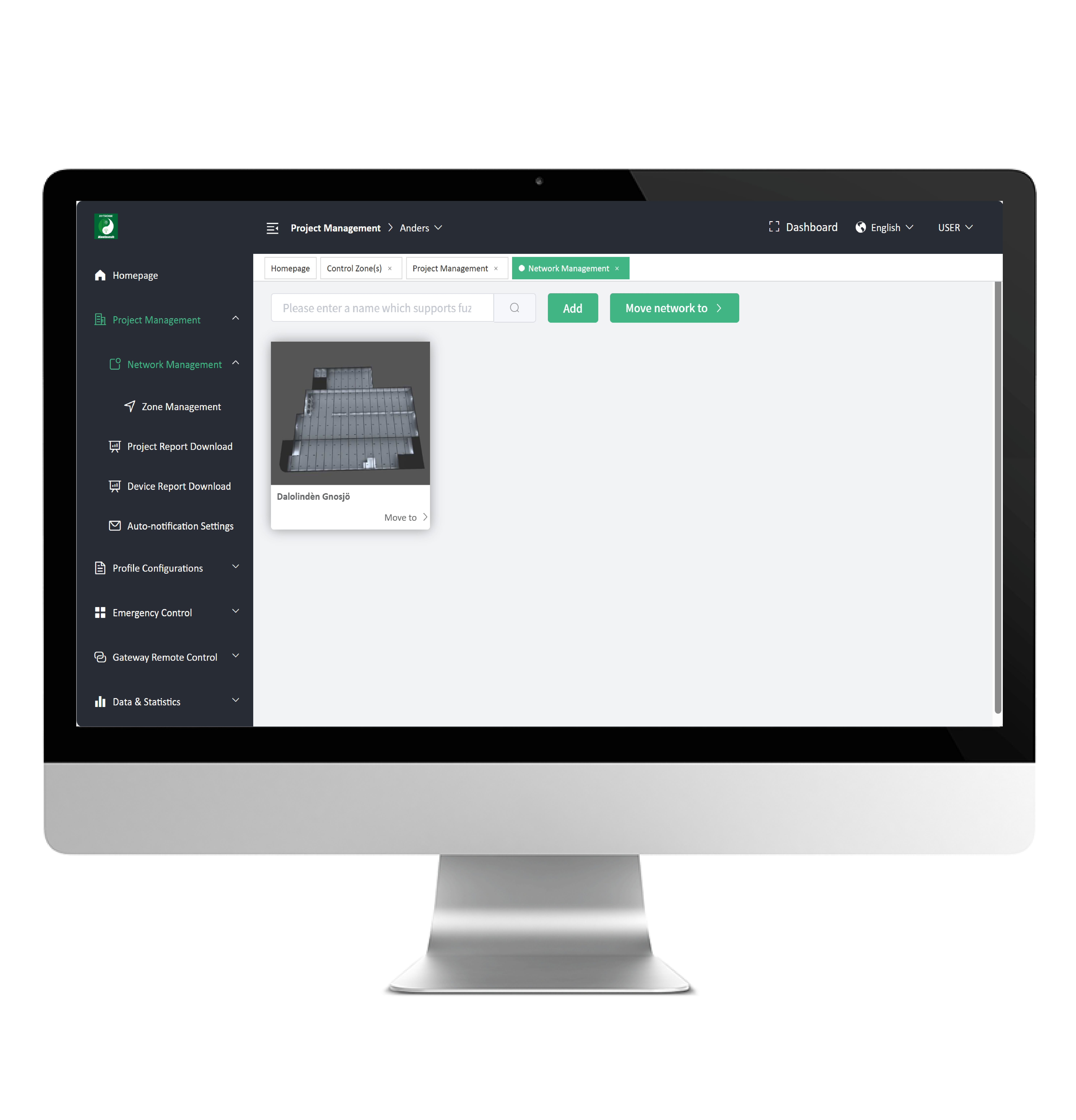
Remote management overcomes space limits. Managers can monitor devices and allocate resources online anytime, boosting efficiency and cutting costs.
System Key Features
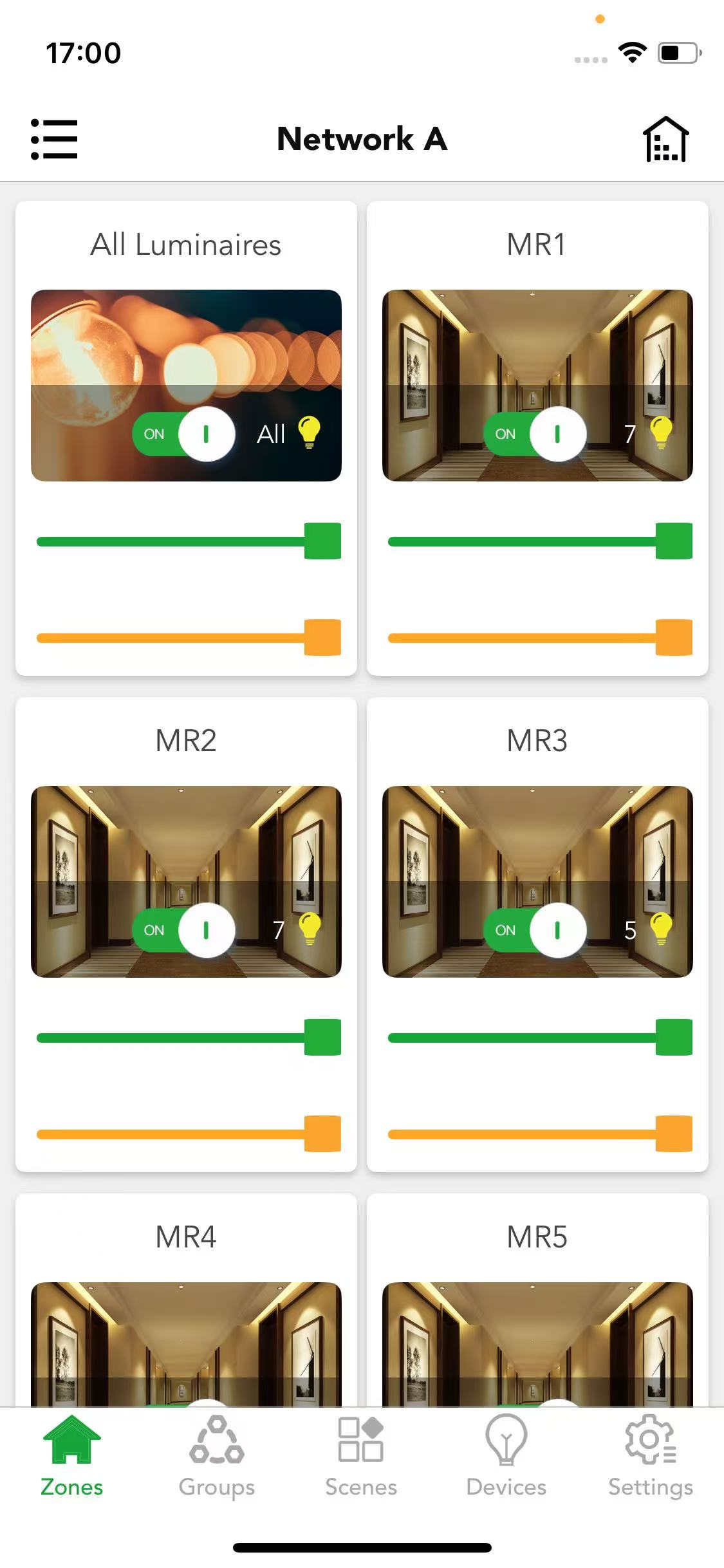
Zones and groups
- Management unit within the network
- Divide devices into areas or groups for easy group management
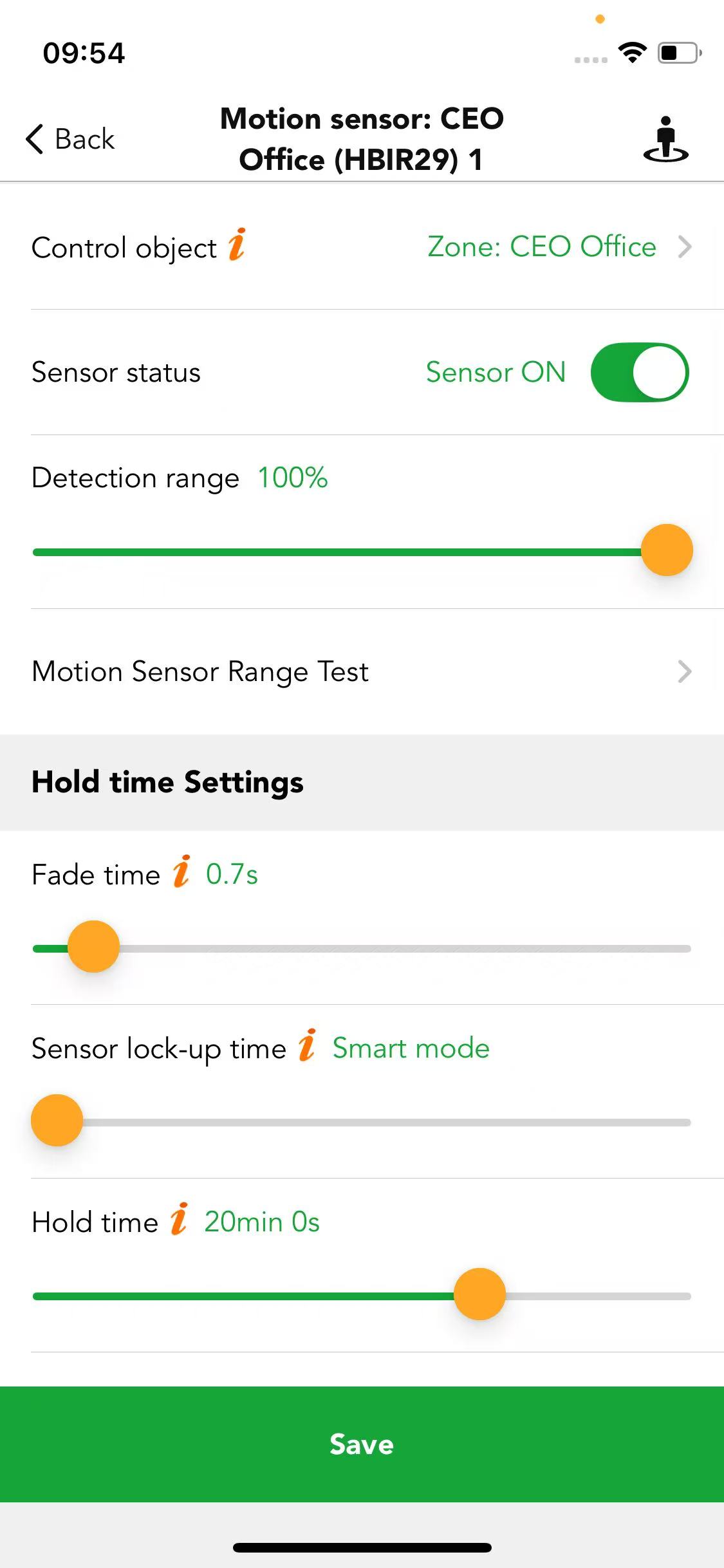
Motion sensor settings
- Sensor status checking
- Control object setting
- Set parameters such as hold time and stand-by time
- Power-on status memory against power loss
- Auto/Semi-auto mode exchangeable
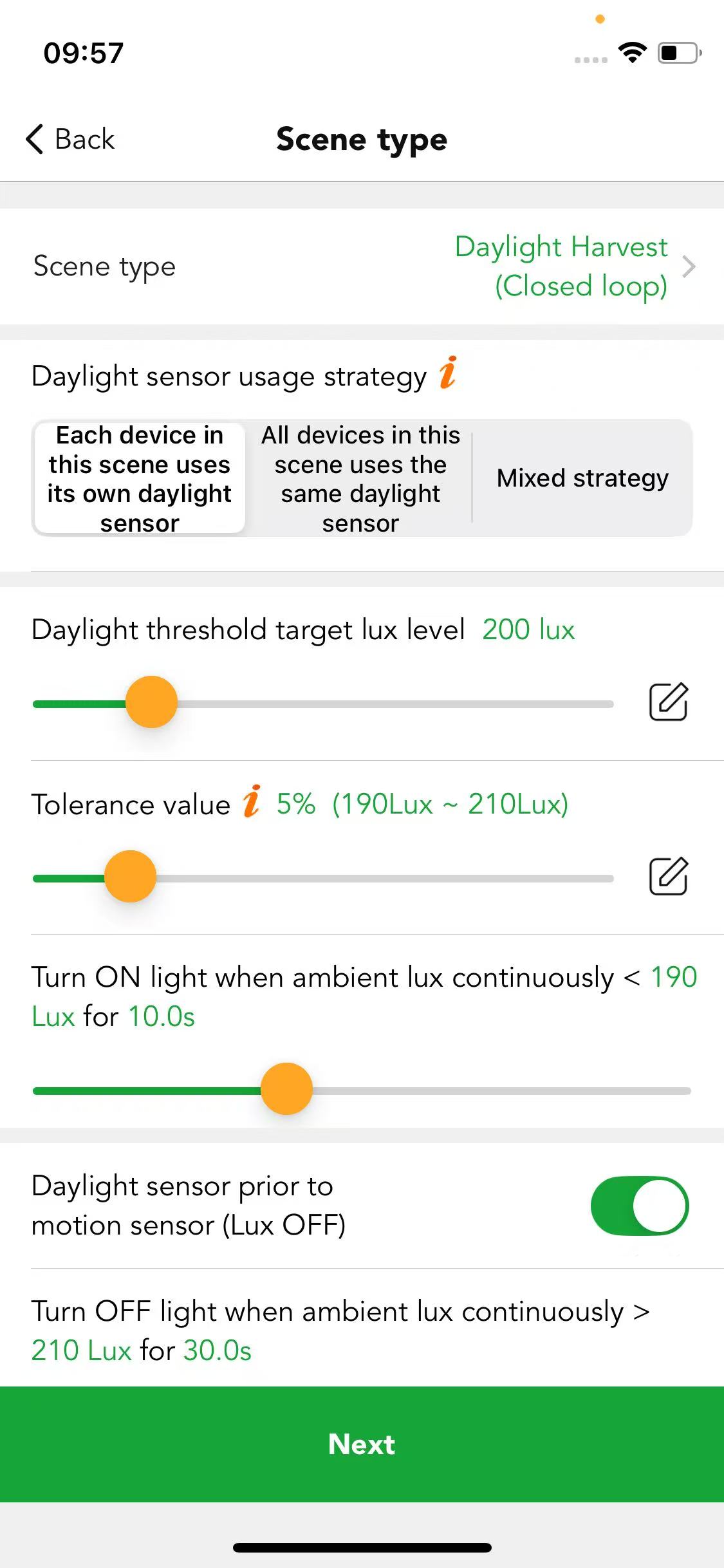
Daylight sensor
- Detects ambient light intensity in real time and automatically adjusts lamp brightness for optimal energy efficiency
- Controls lamp switching based on changes in ambient light
- Ensures consistent and comfortable lighting in work and living environments
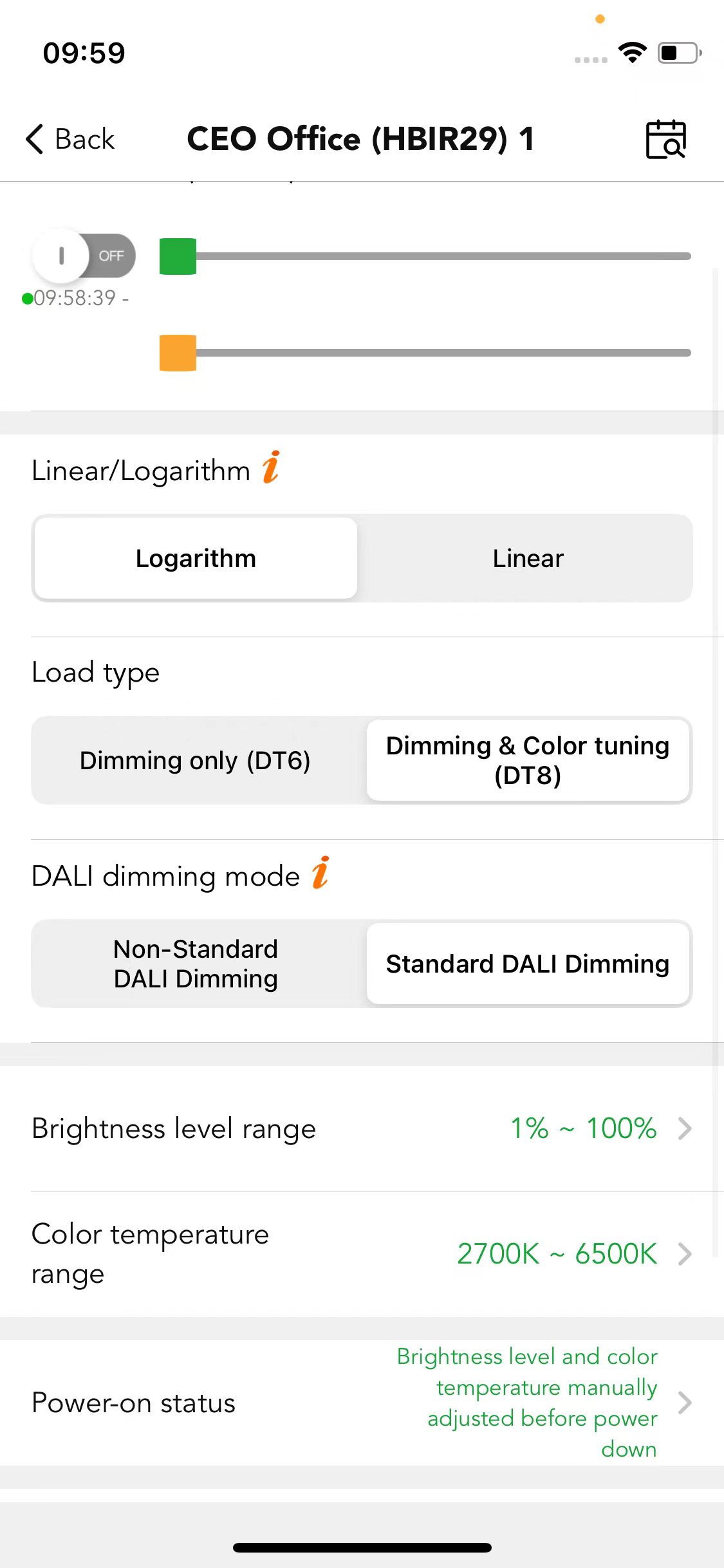
Luminaires settings
- Turn lights on and off or adjust their brightness
- Set the dimming method: linear or logarithmic
- Set the range of light and colour temperature
- Set the state of the light after power failure and restart
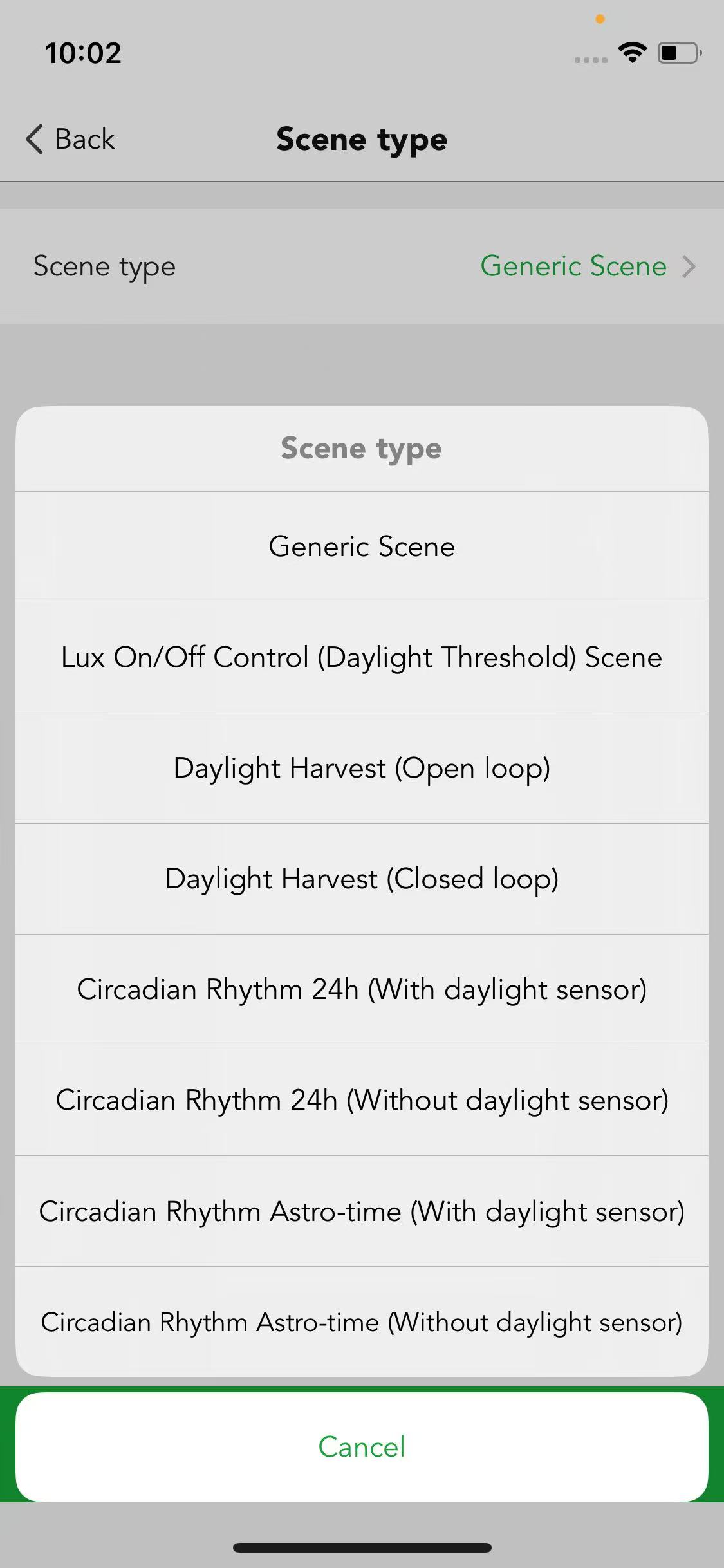
Scenes
- Up to 7 types of scenes for options
- Customised scenes are available and easy to identify and recall
- Time-based scene featured
- Can be easily recalled by app, schedule, touch panel or retractive switch
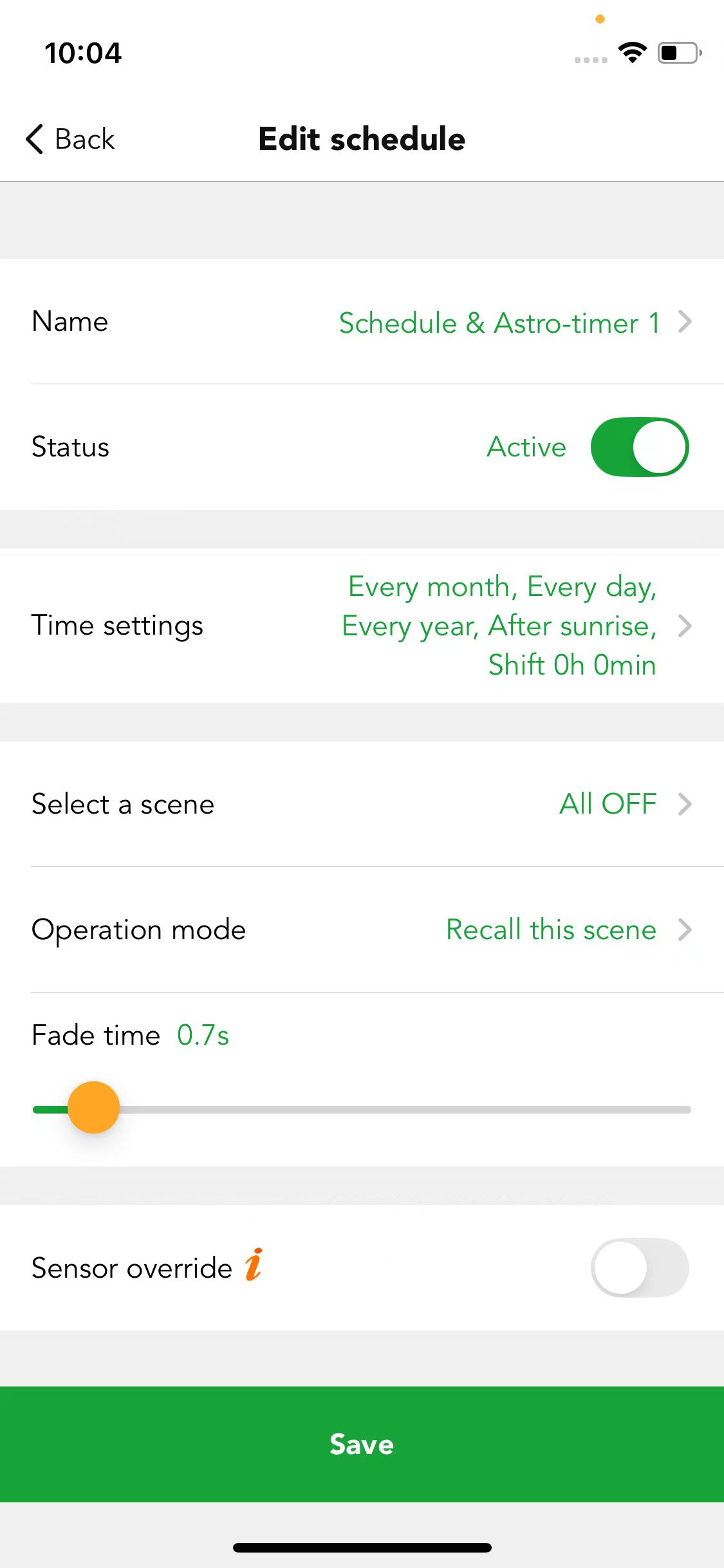
Schedule & astro-timer
- Schedule patterns can repeat daily, weekly, monthly or yearly, or be recalled at a specific time
- Supports multiple schedules running concurrently
- Can integrate with motion sensors and daylight sensors for maximum flexibility
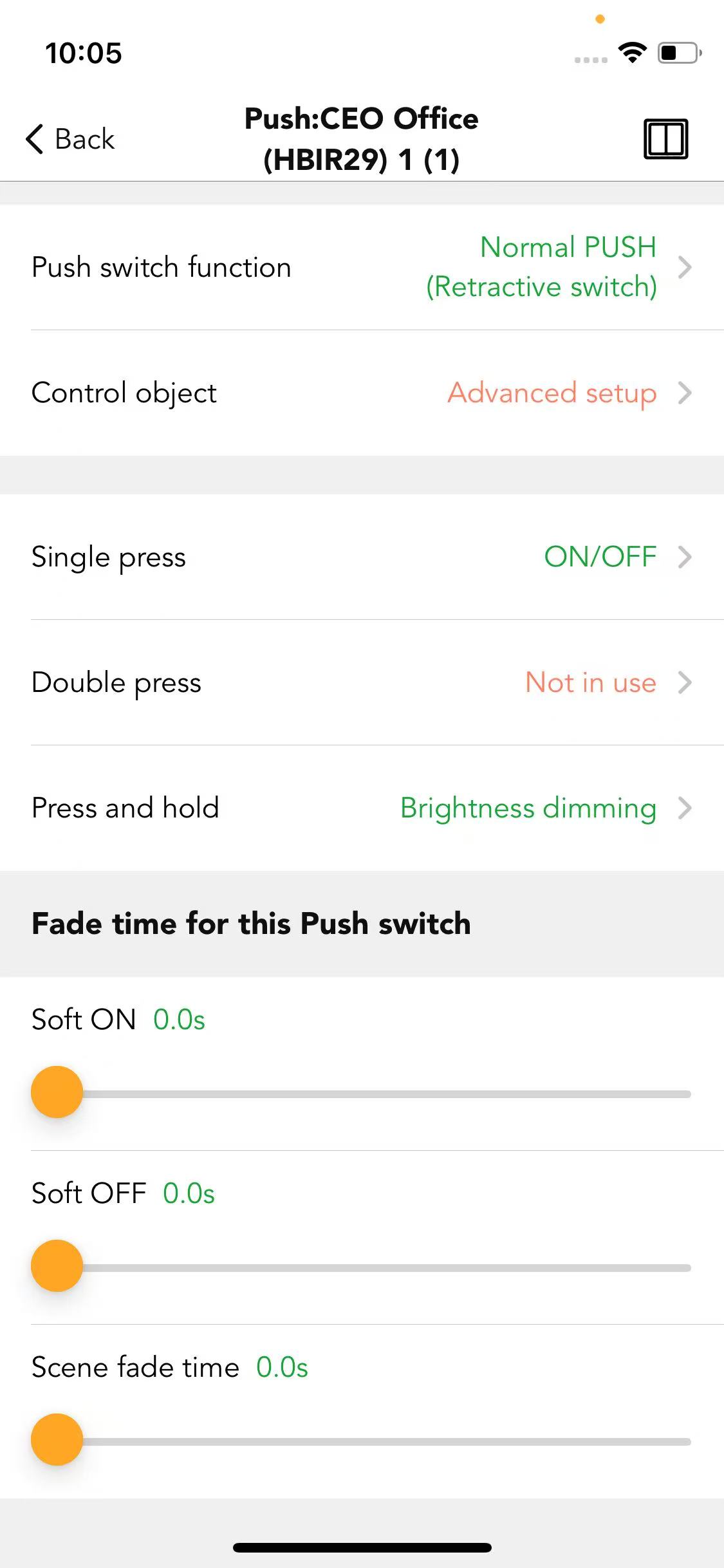
Push switches
- Manual control such as on/off, brightness adjustment, colour tuning and scene recall
- Works with EnOcean self-powered switches (PTM215B) — no battery, no cable.
- Controlled object setting
- Sensor take over featured
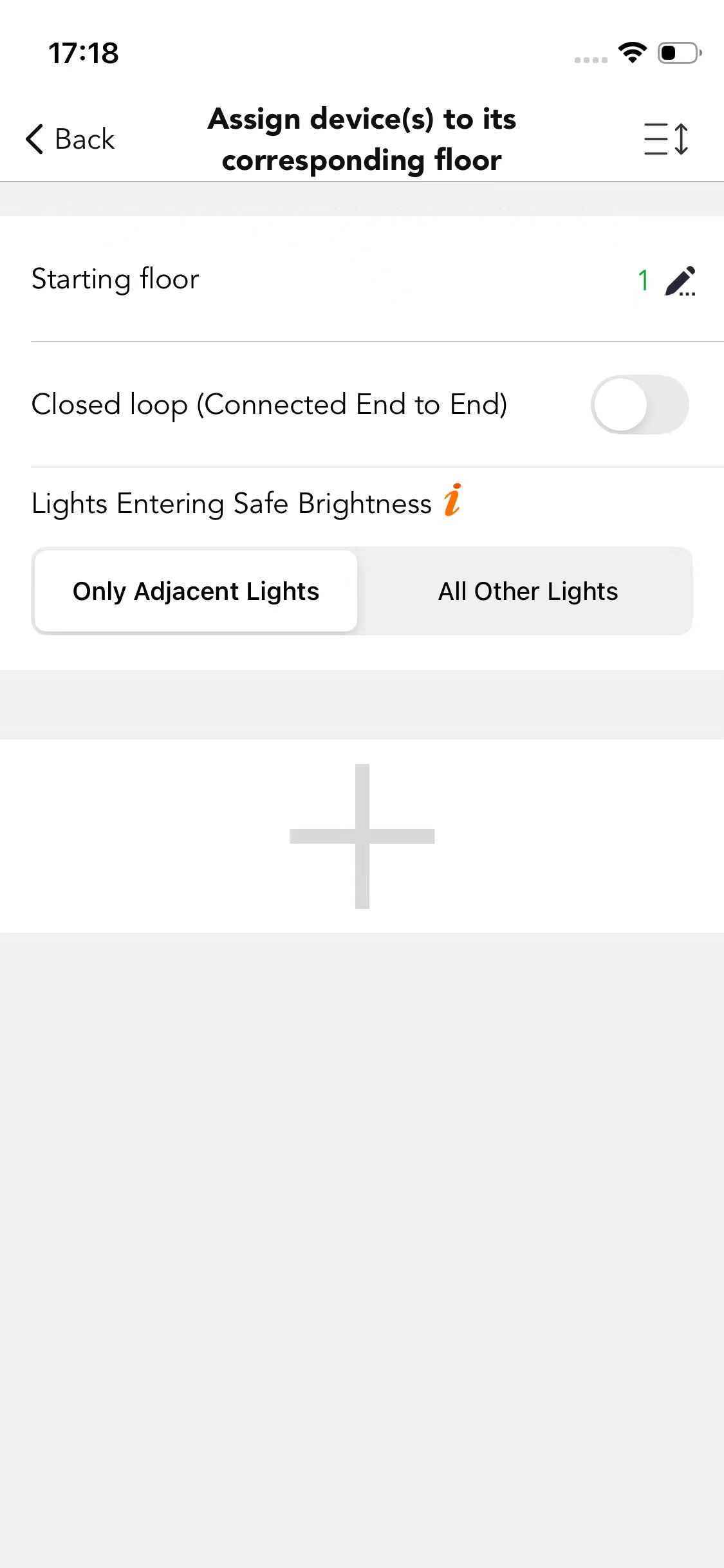
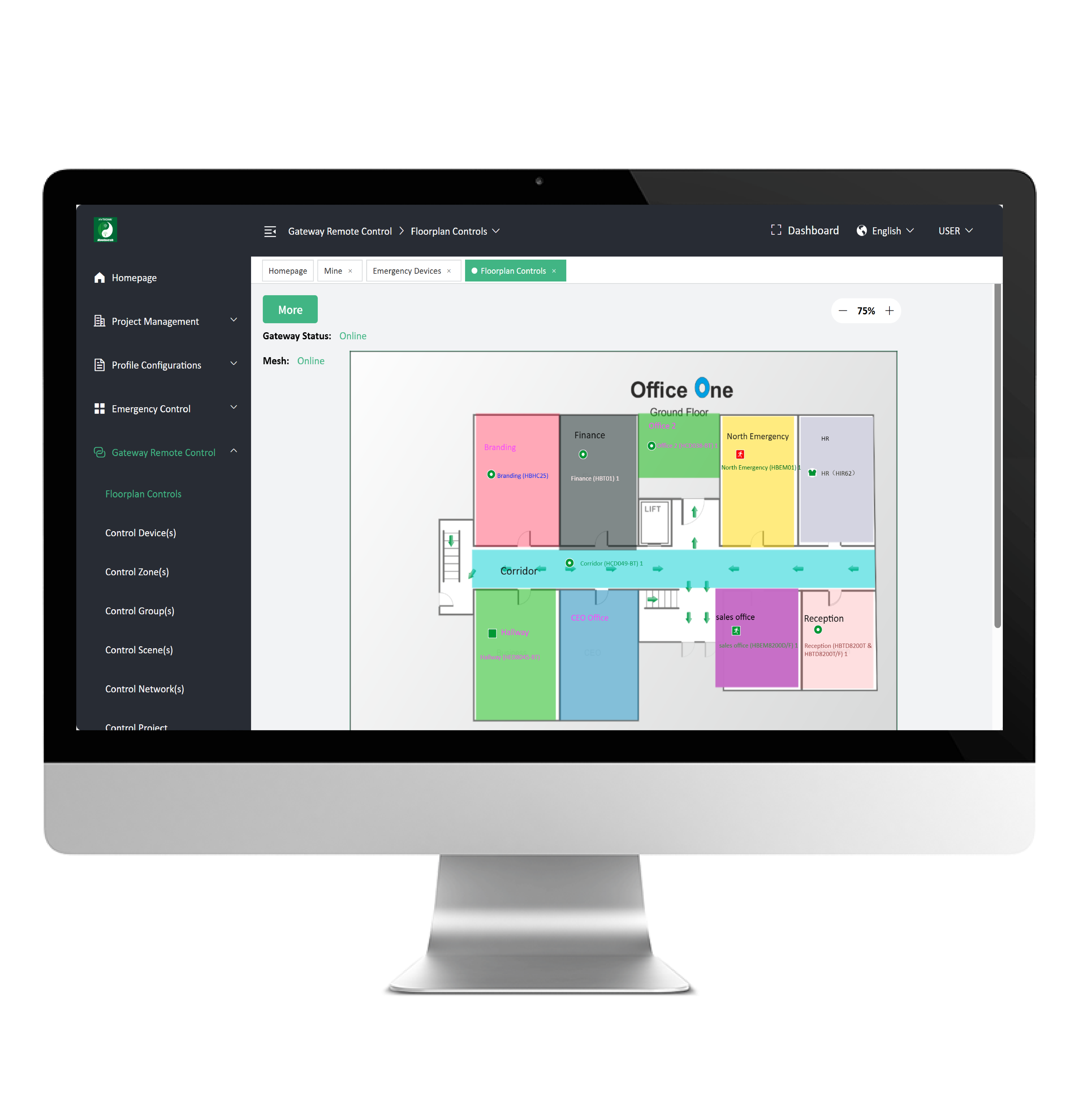
Floorplan & staircase function
- Simple setup, powerful functions
- Use configuration files to synchronise settings
- Strengthen the connection between corridors and improve safety and convenience
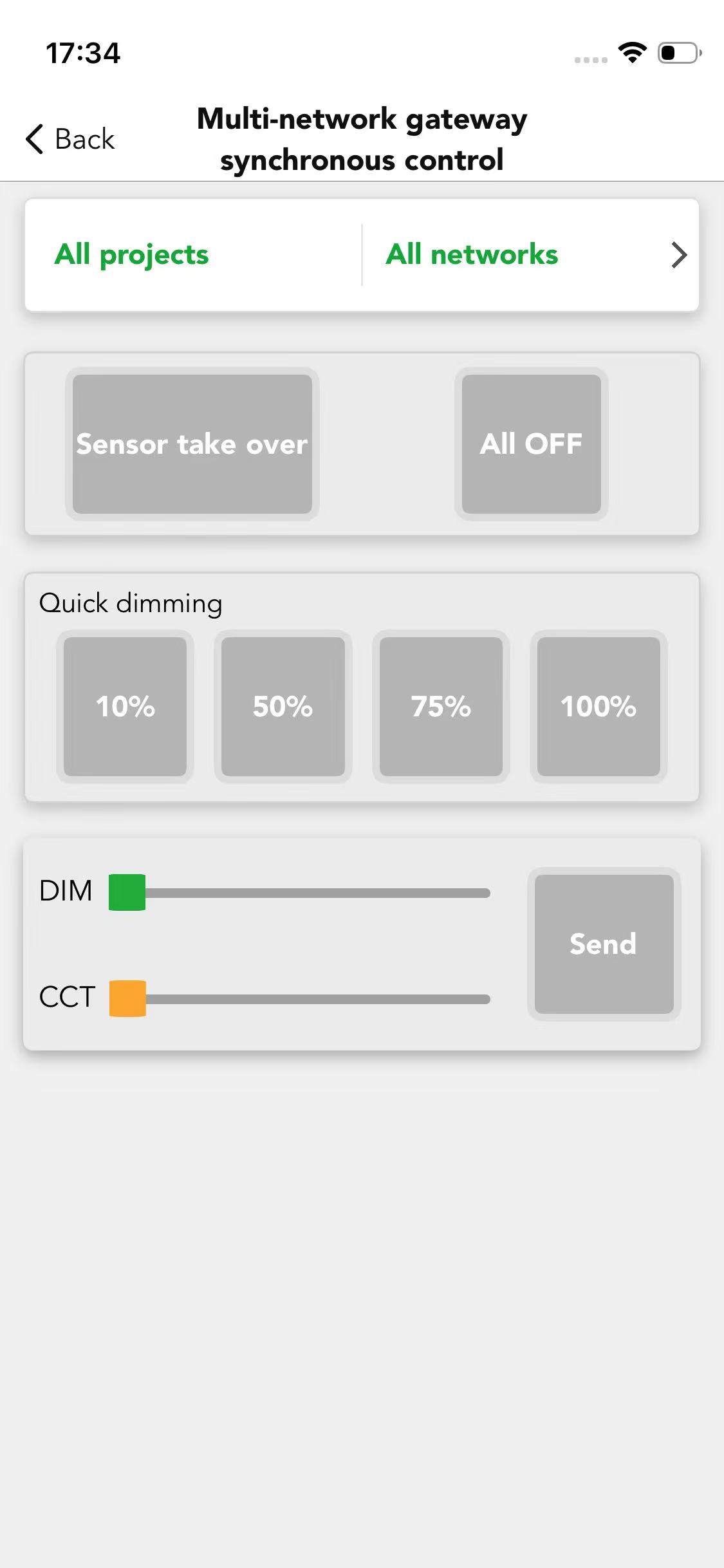
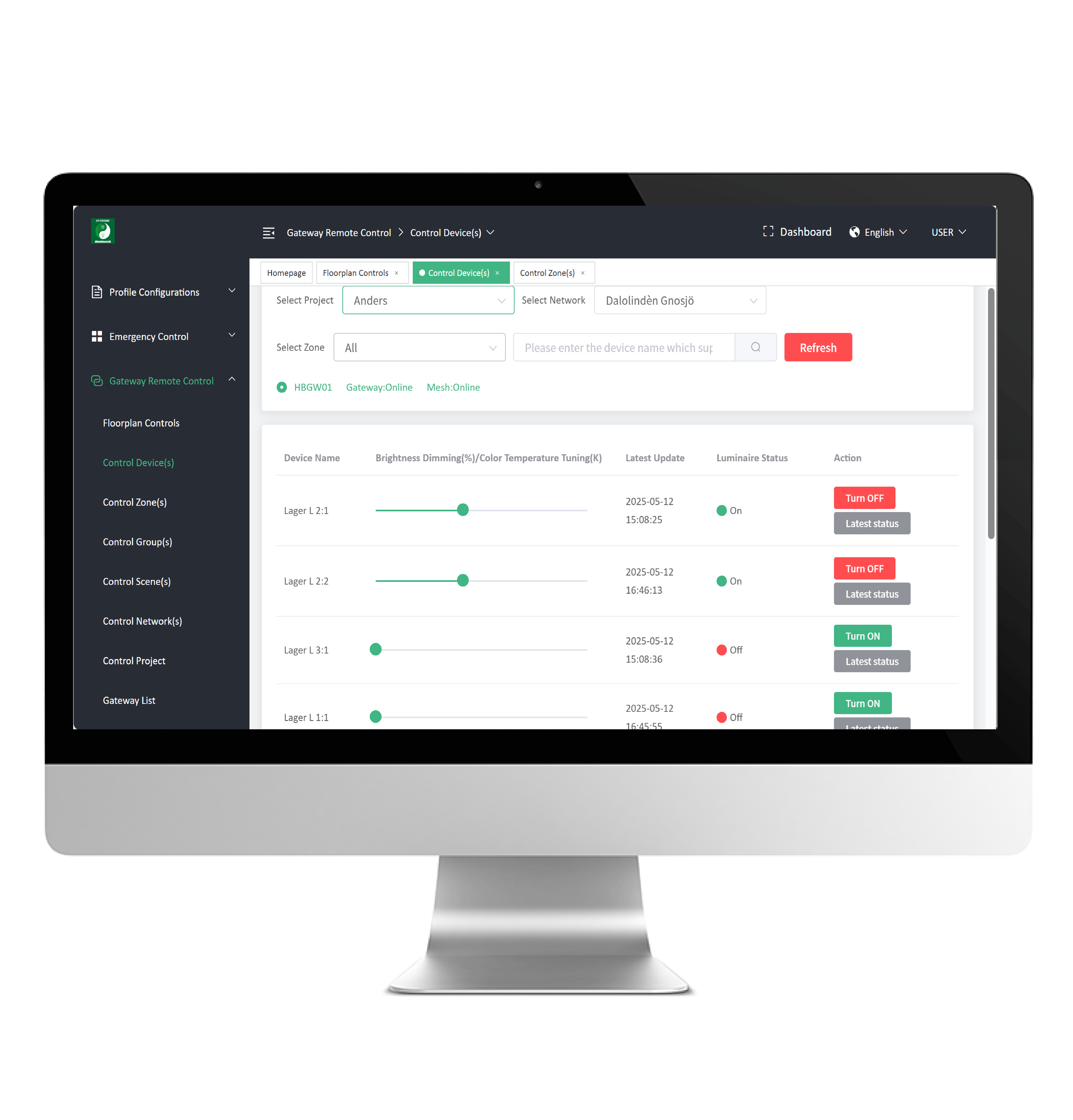
Gateway synchronous control
- Remote management, convenient and fast
- Synchronous management of multiple networks
- Optimised use of resources and energy saving
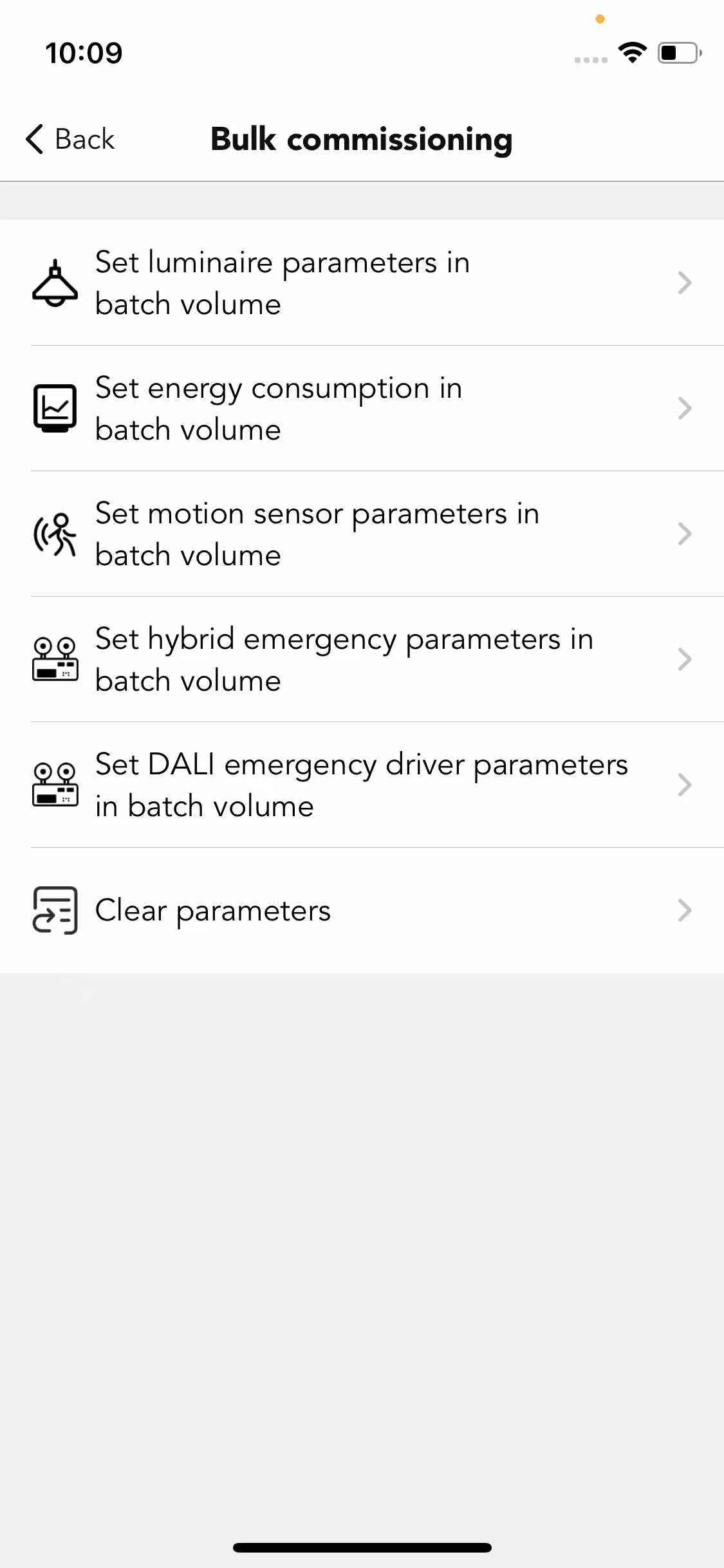
Bulk commissioning
- Also known as one-key commissioning, or copy and paste settings
- Sync the profile settings to all luminaires in one effort
Offline commissioning
- Create projects and networks with an internet connection
- Even without internet on site, installers can add and configure devices
- Automatically upload settings to the server when internet connection is restored
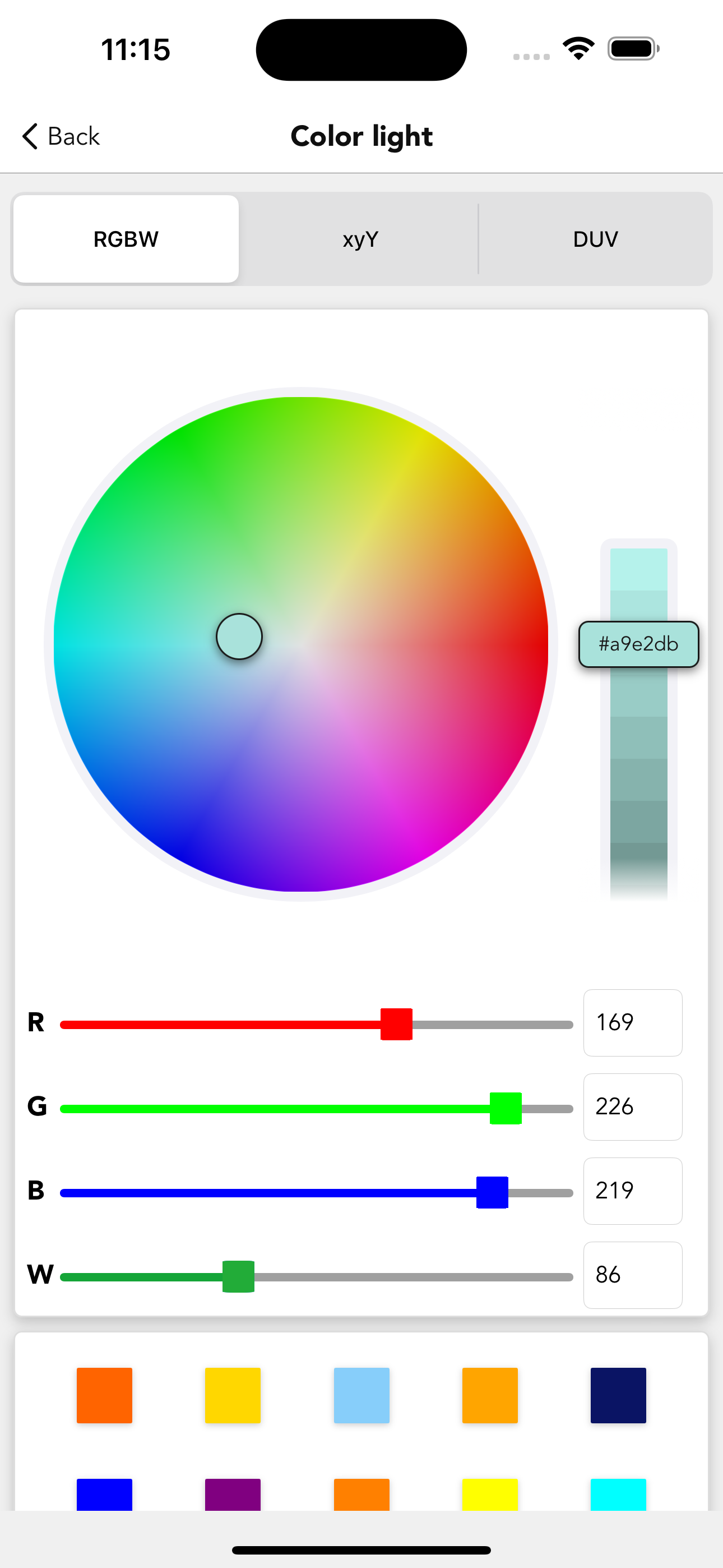
RGBW function
- Provide customers with three usage modes: RGBW, xyY, DUV
- Colour and tunable white from one controller, at the price of a standard one.
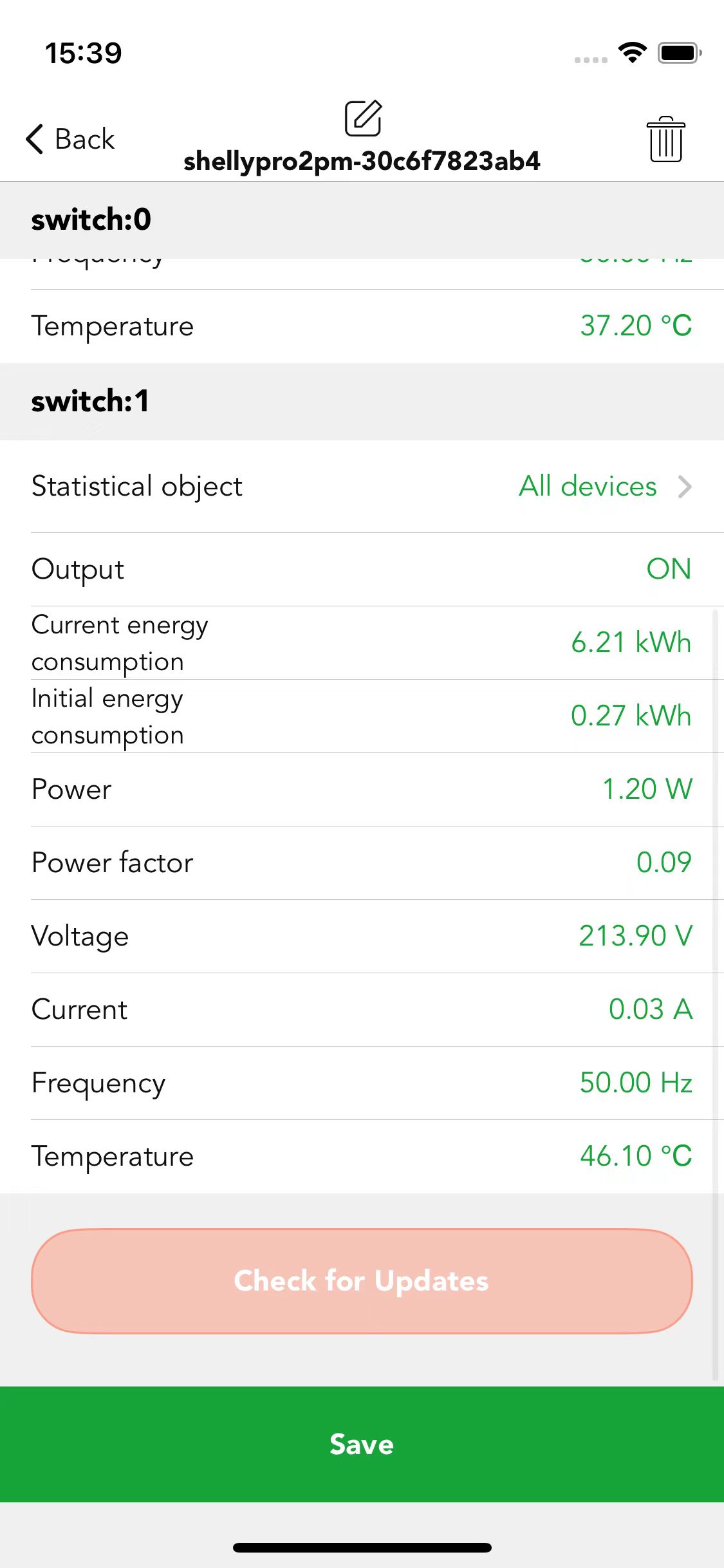
Shelly energy metering
- Works with Shelly energy meters for circuit-level consumption data.
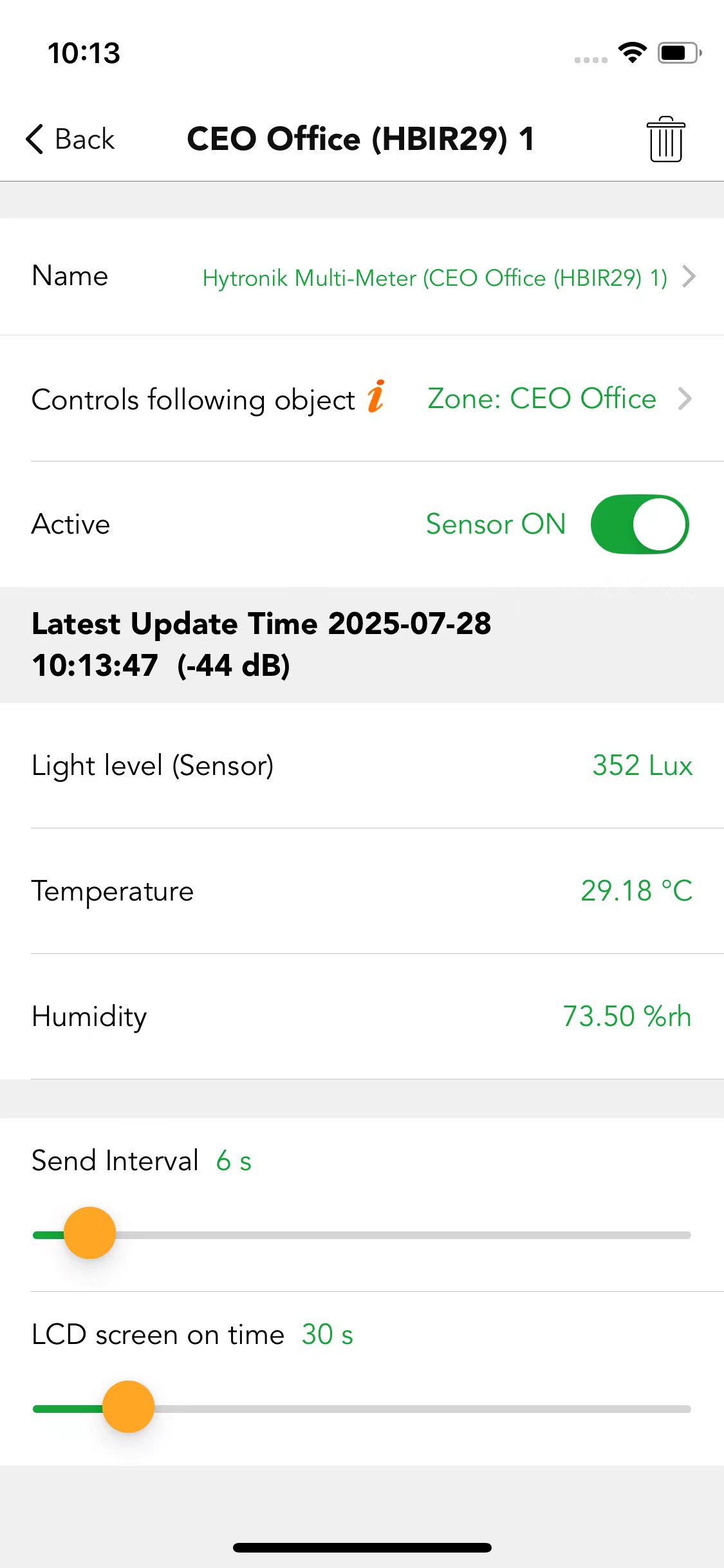
Multi meter
- Detect temperature, humidity and illumination in the control area
- Provide support for data management
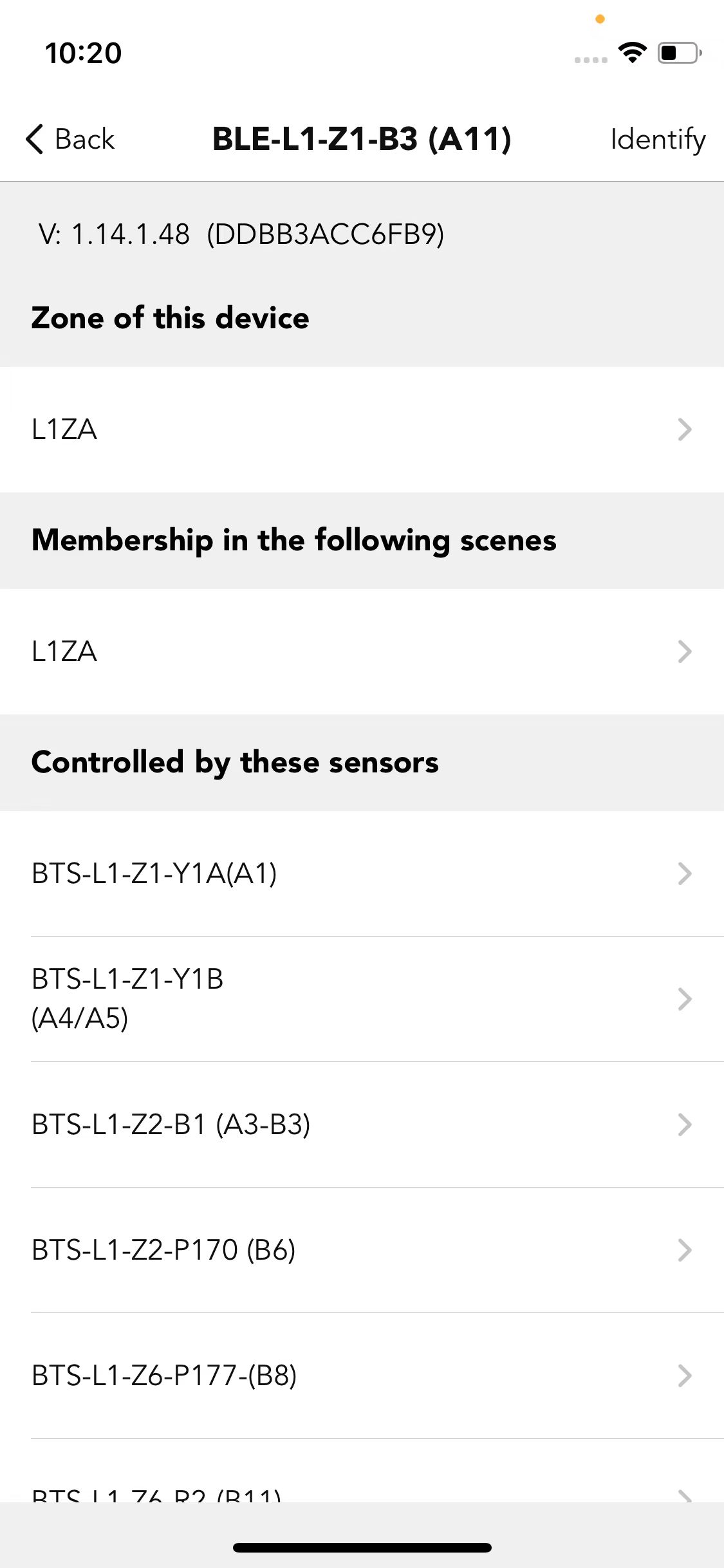
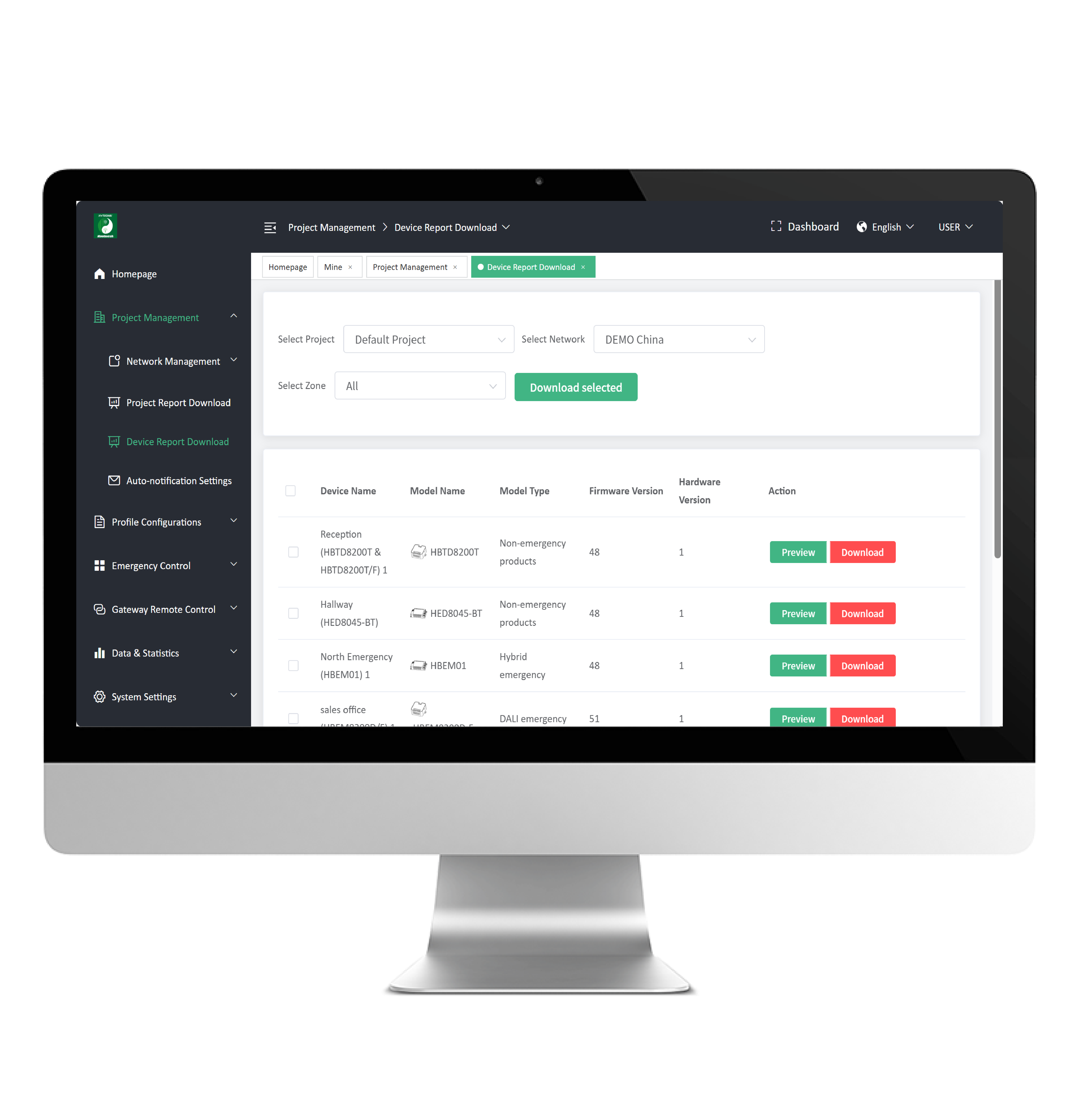
Device network relations check
- Quick check on the devices, zones or groups controlled by a selected device
- Quick check on the devices, zones or groups controlling a selected device
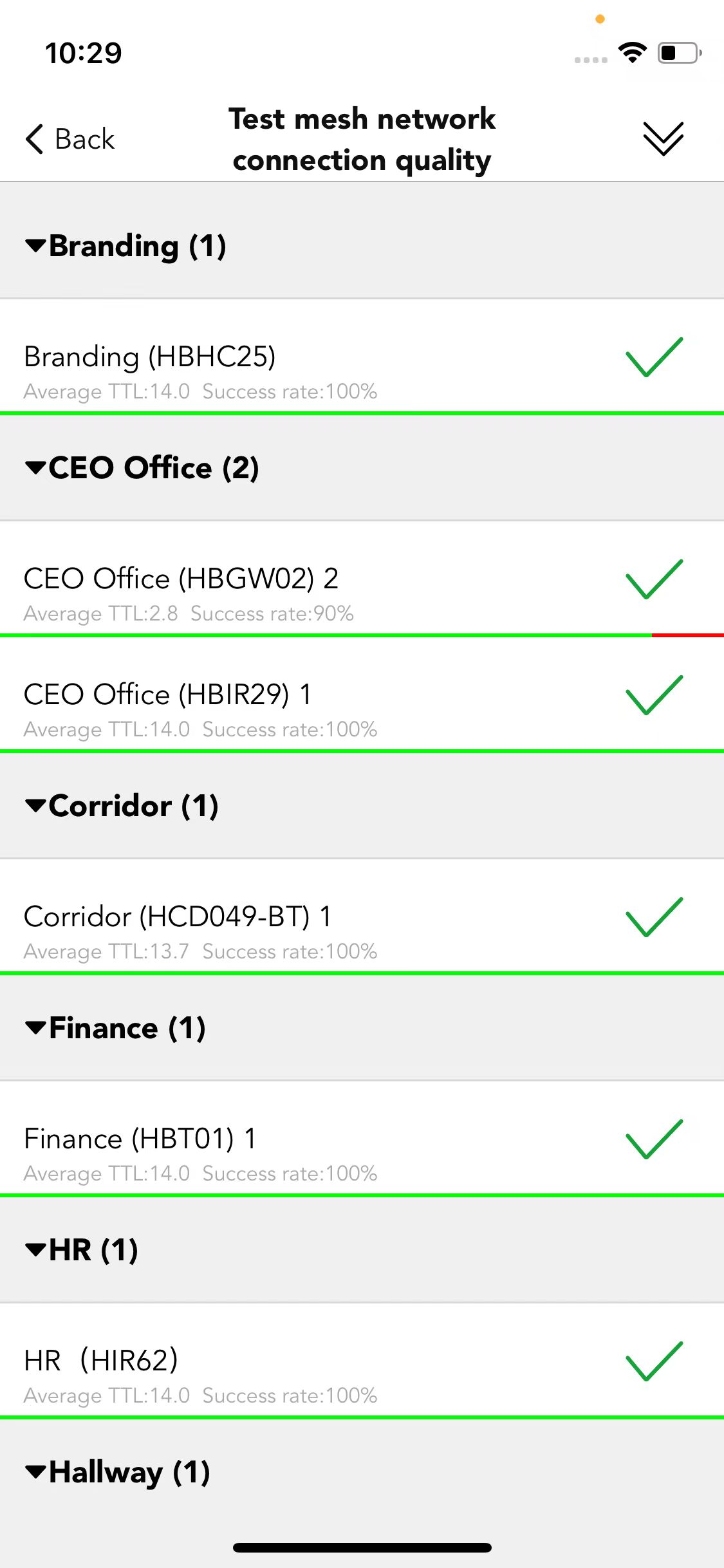
Connectivity check
- Test the quality of Bluetooth connectivity between devices
- Help installers determine the appropriate installation location
- On-site troubleshooting
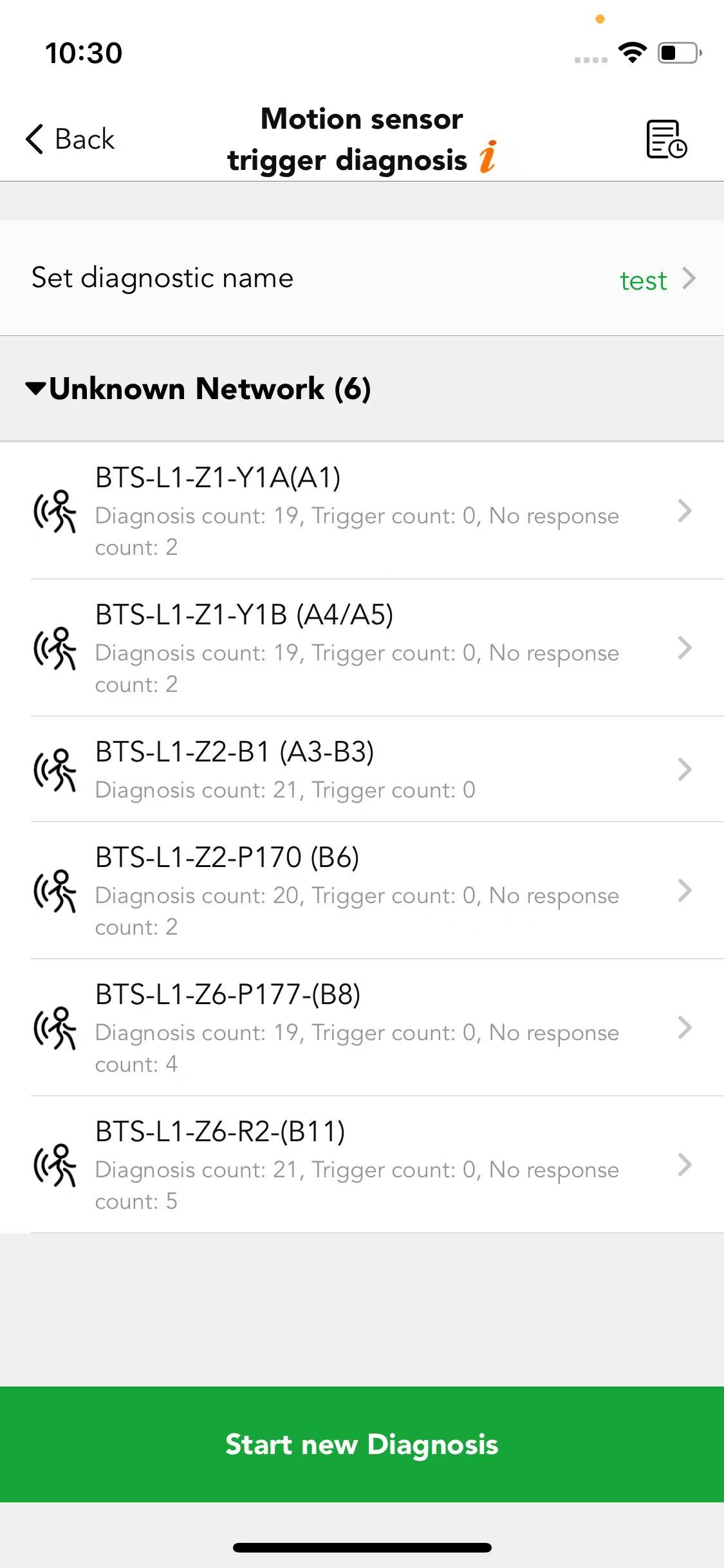
Motion sensor false trigger diagnosis
- Run the test with the area empty
- On-site troubleshooting for sensor trigger diagnosis
- Detection range test to help determine appropriate distance
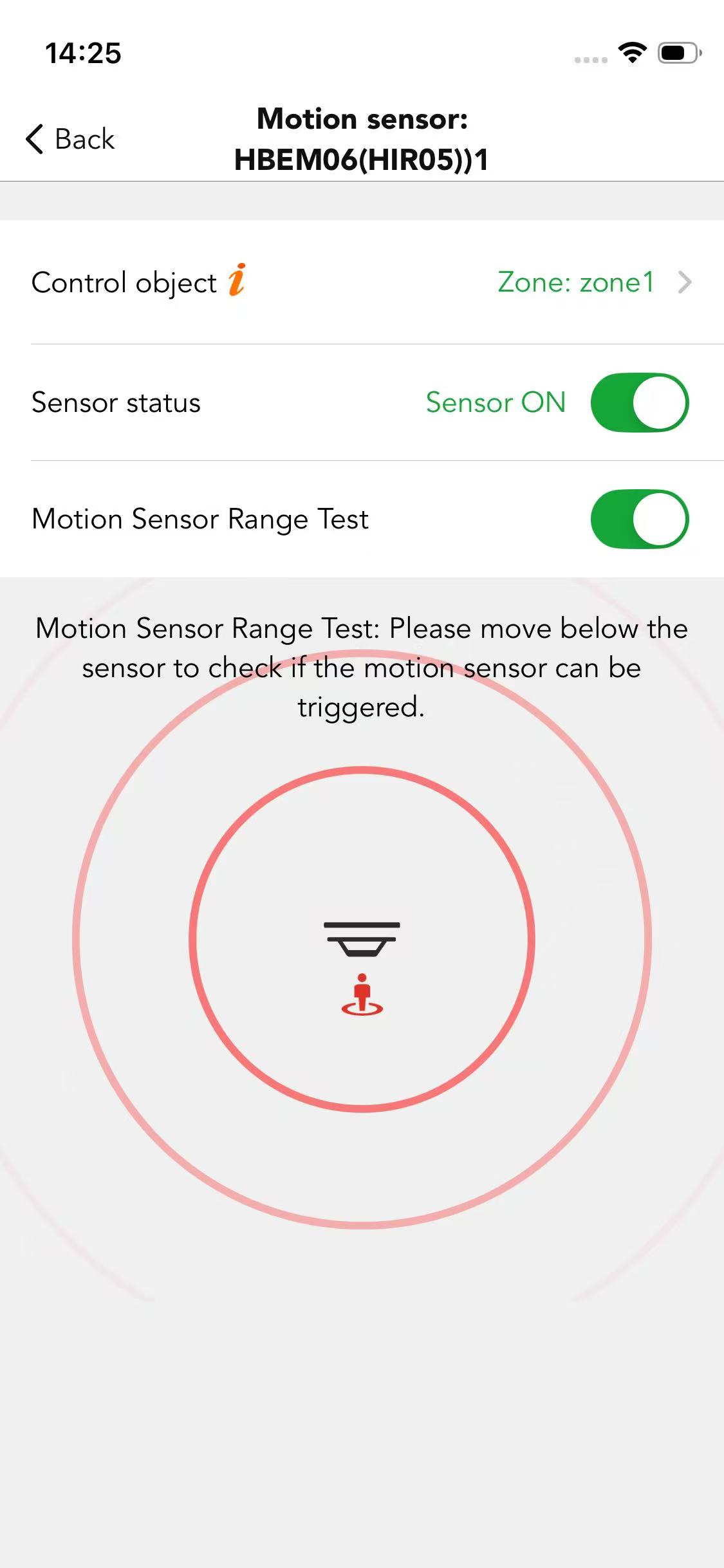
Motion sensor detection range test
- Can be used to test whether the sensor is working properly
- Help determine the appropriate installation distance
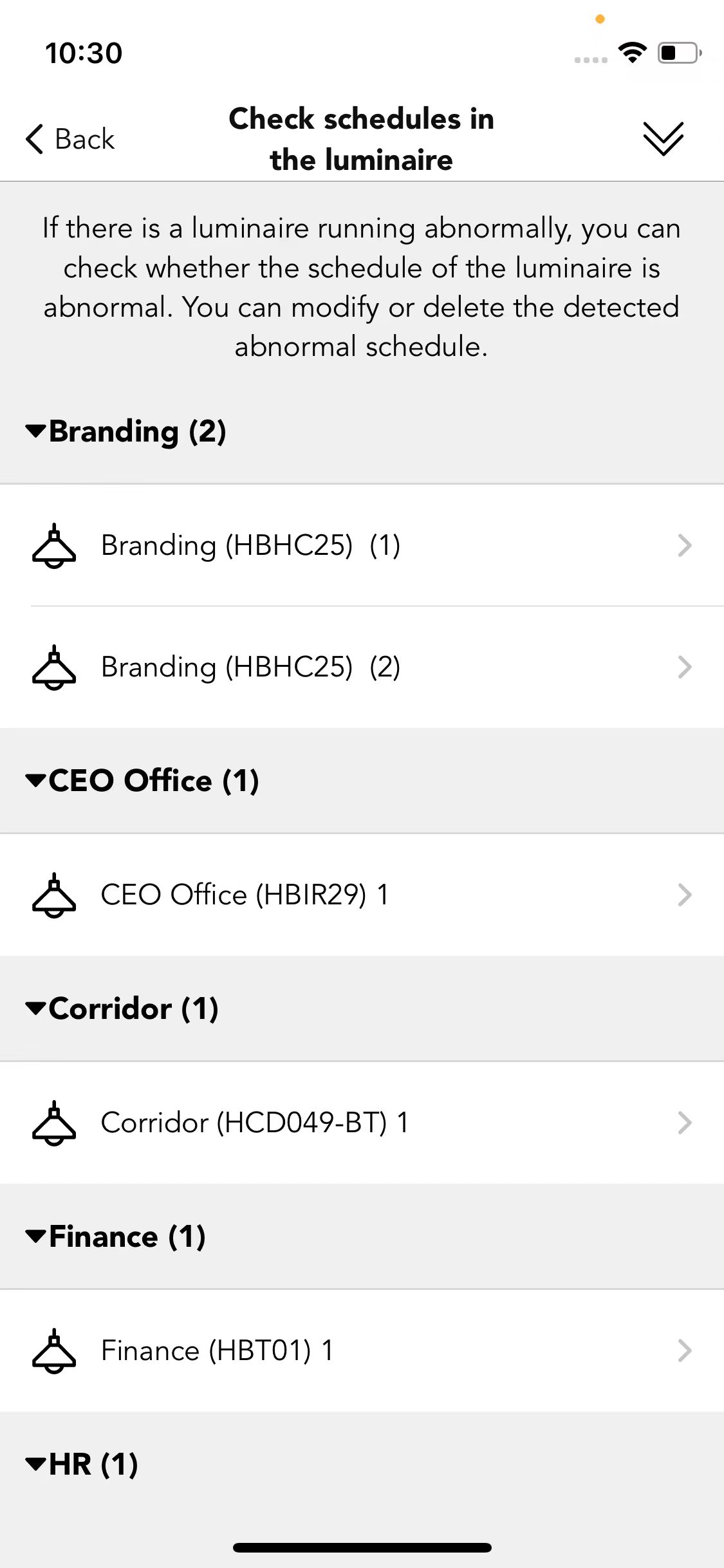
Check schedule
- Check schedules in the luminaires
- Modify or delete detected abnormal schedules
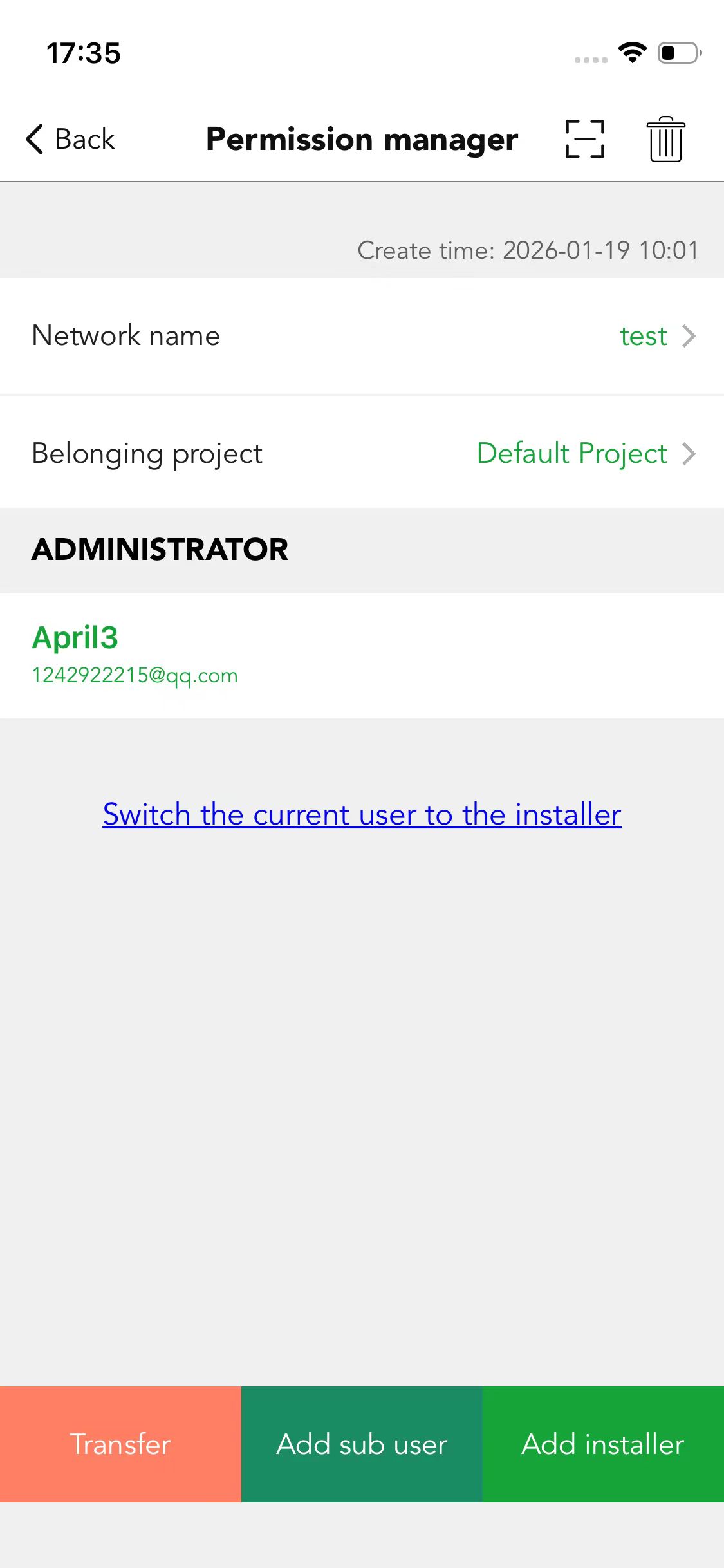
Access management
- Network and project management
- Three permission levels: Owner, Admin and User
- Ownership transfer or network sharing via scanning QR code or entering a redeem code
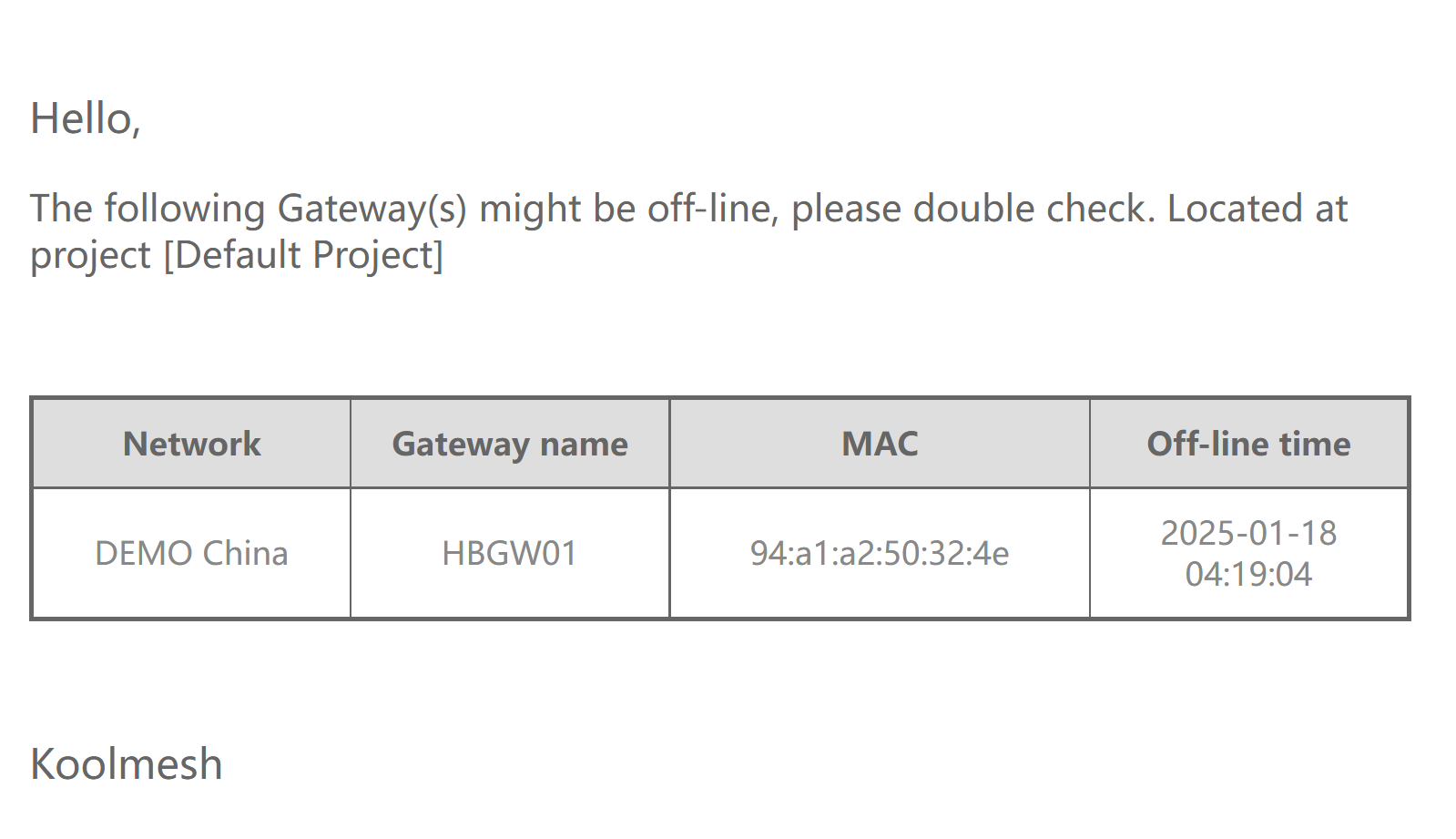
Gateway offline notification
- Turn on the notification switch in the app
- If the gateway is offline for more than 30 minutes, you will receive an email notification
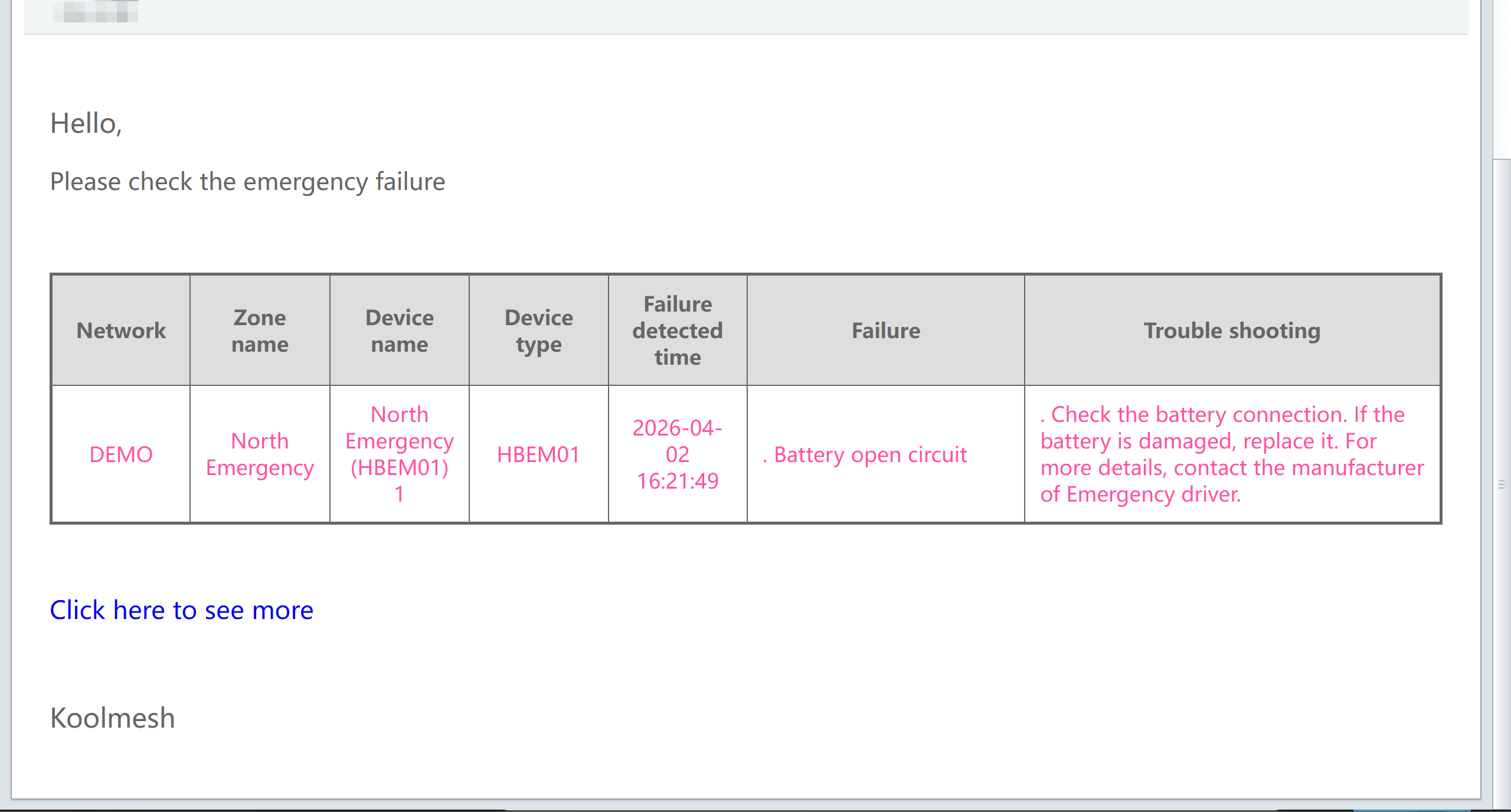
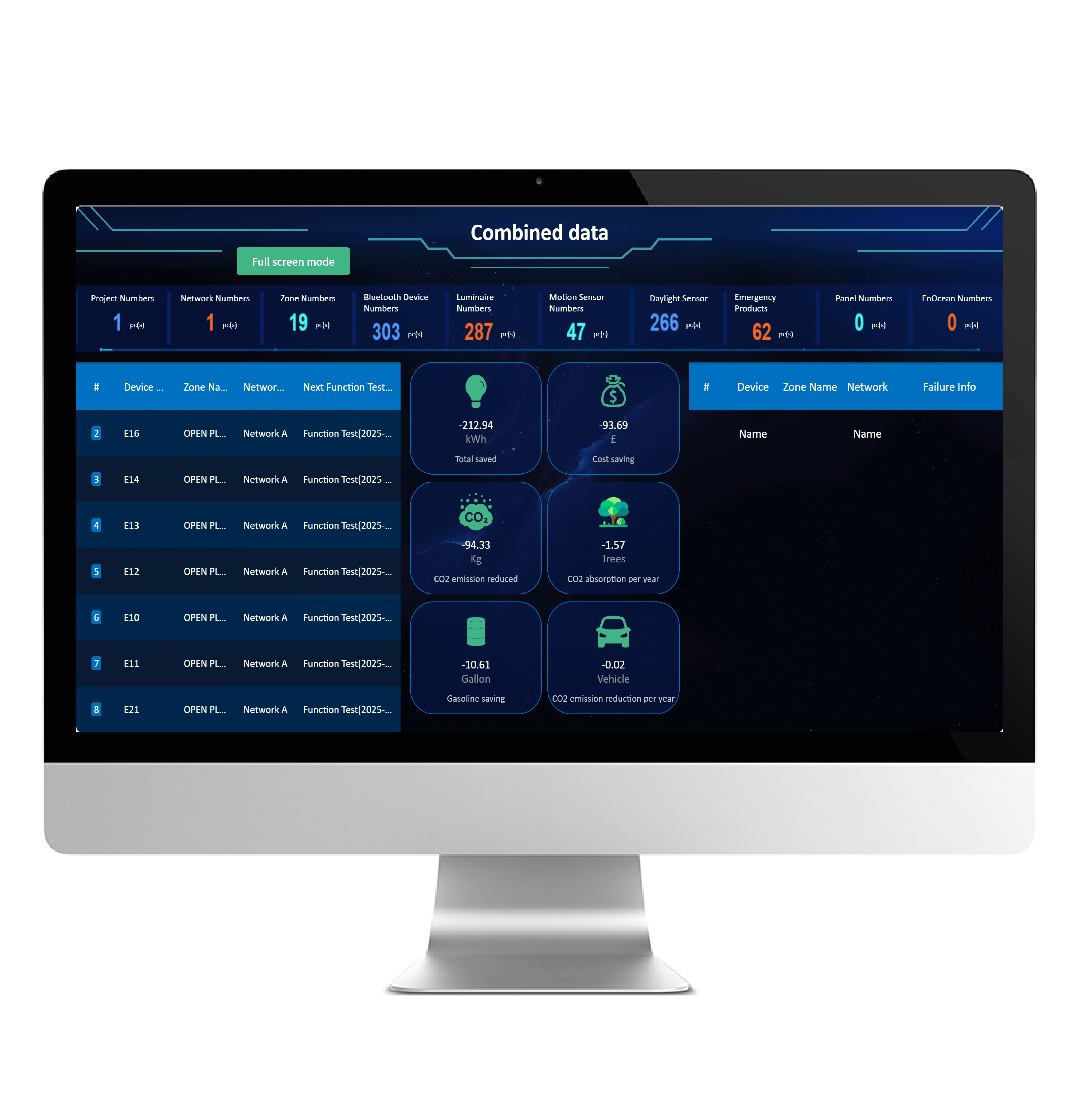
Emergency failure notification
- Set up emergency fault notification related information
- Managers are alerted as soon as a fault is detected, so maintenance can be scheduled before the next inspection
- Optimise management and improve safety
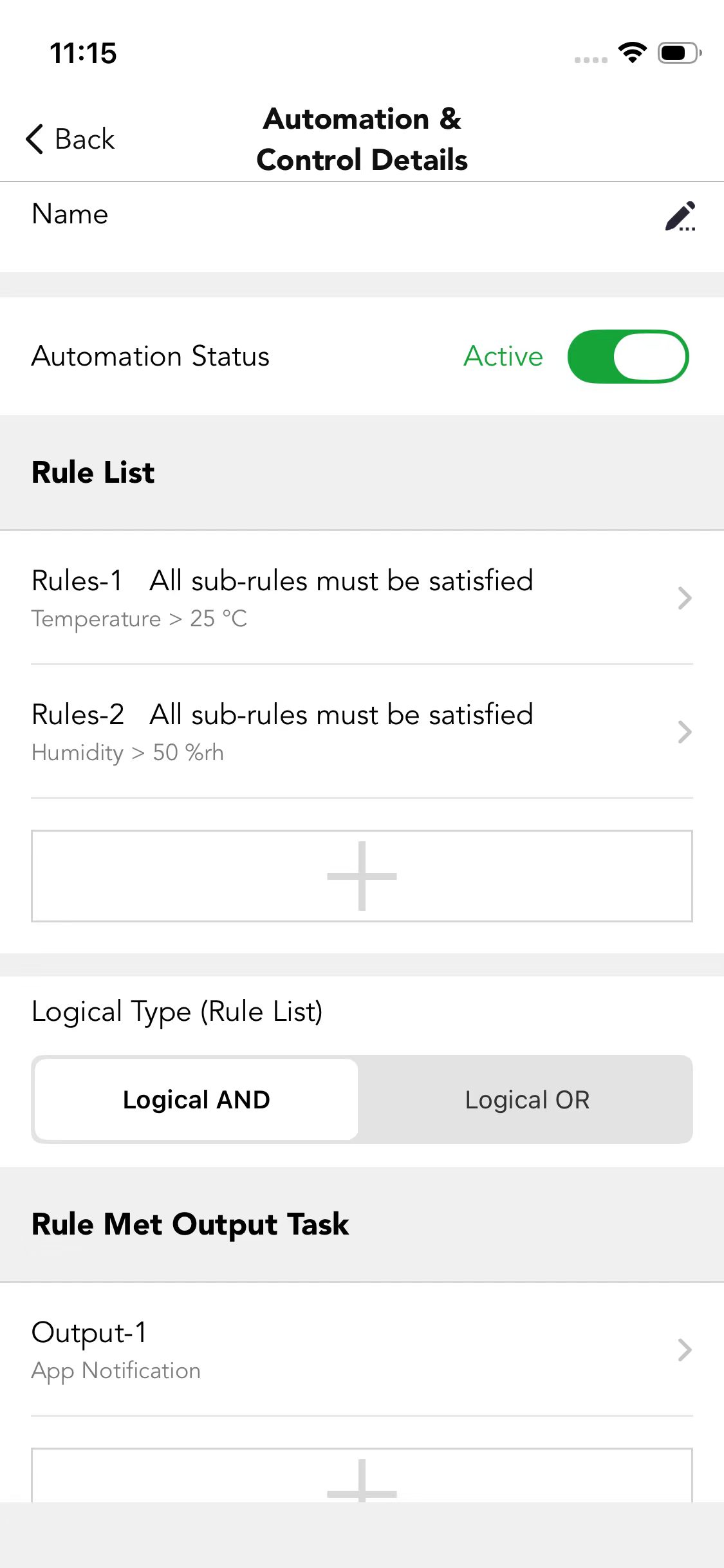
Alert for excess Lux / temperature / humidity
- Can be achieved through the Automation & Control function in the app
- When the rule is met, there will be an app notification
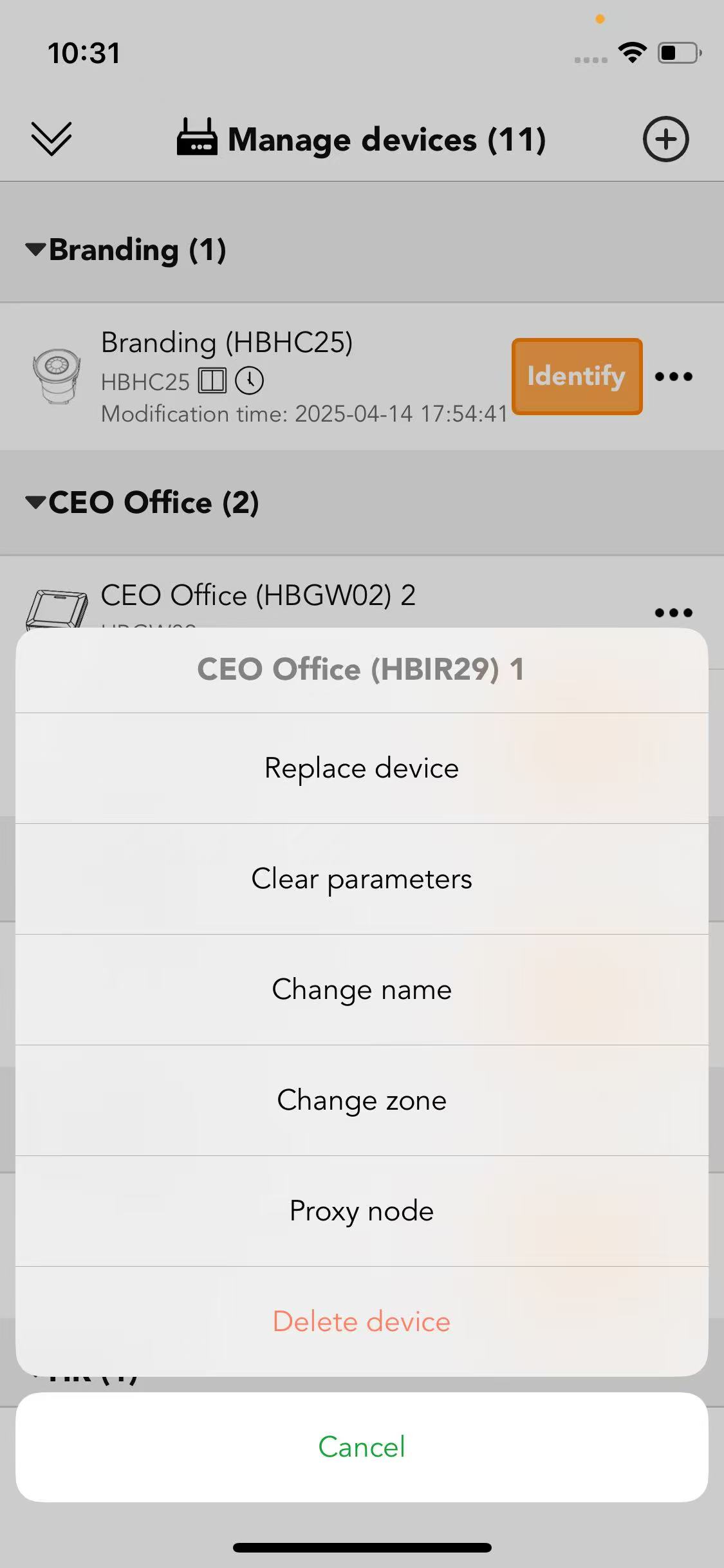
One-click device replacement
- Preserve all existing device settings without reconfiguration
- Seamlessly swap faulty hardware with zero manual setup
- Retain original parameters, network configuration and control logic
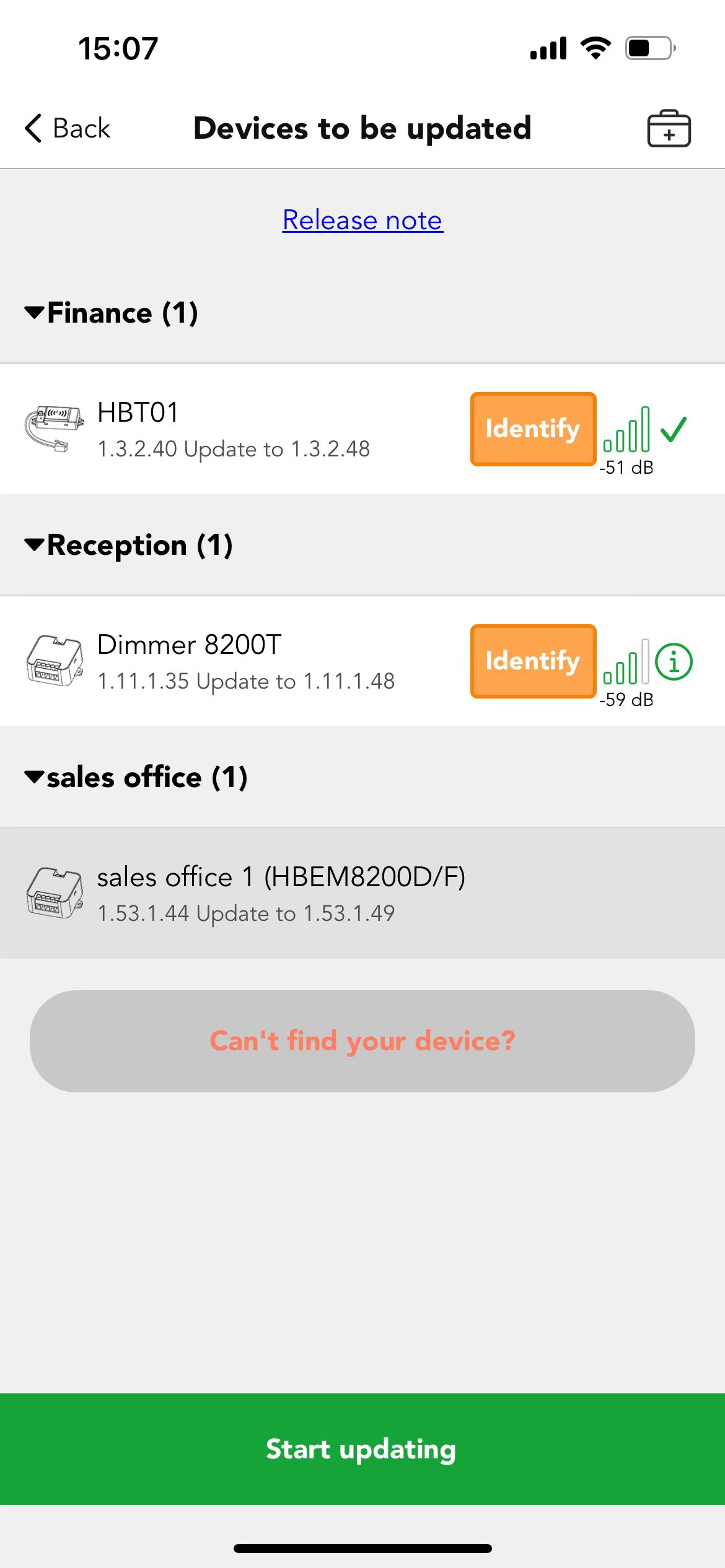
Over-the-Air firmware updates
- Seamlessly upgrade firmware with new features and bug fixes
- No hardware replacement required
- Remote, one-click updates for all connected devices [in development]