Koolmesh Lighting Control – Simplify Your Lighting Setup
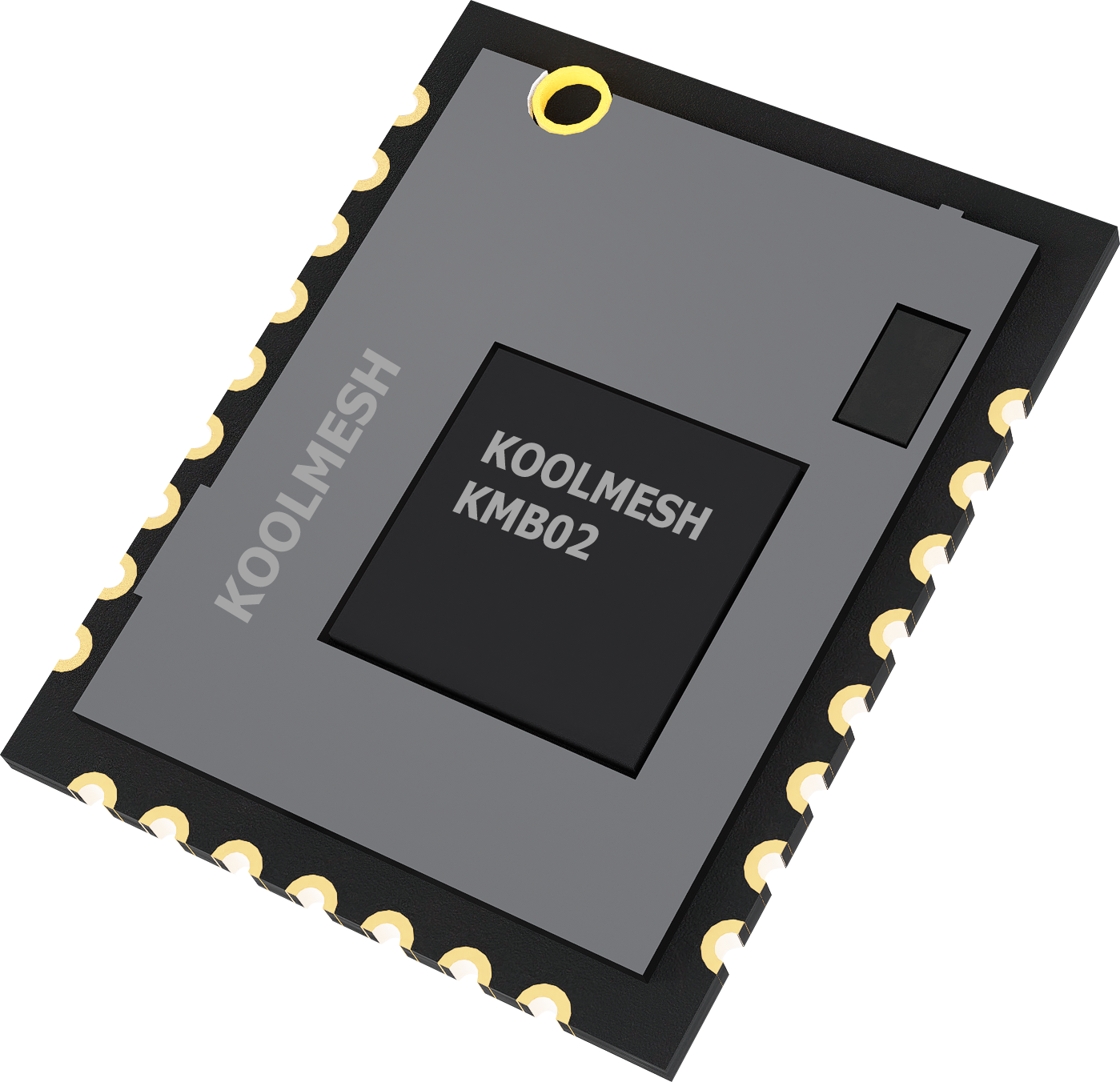
Say goodbye to complex wiring, expensive controls, and old-fashioned tools. Koolmesh’s wireless lighting control system, powered by Bluetooth Mesh Technology, is a game-changer.
Integrating seamlessly into project workflows, Koolmesh streamlines the entire process. Whether you are in the initial design phase, installation, or post-project maintenance, its user-friendly interface and modular structure fit right in.
- Download the design file to get your project 90% finished quickly!
- Only 2 simple on-site steps drastically reduce commissioning costs!
PRE-DESIGN
Get your project 90% done by remote pre-configuration
The first part of the commissioning process – the planning stage – can be carried out remotely to minimize the time spent on site. Using Koolmesh® web platform, you’ll perform initial commissioning activities to set up a lighting control system tailored to your needs.
ON-SITE INSTALLATION
Finish the job on-site with just a few clicks
Once everything is planned, visit the site with your mobile device (iOS/Android) or iPad. Use the Koolmesh® mobile app or Koolmesh® Pro to finish things off by adding real devices to your local Bluetooth mesh network. Everything else is automatically configured based on your previous design.
Remote Management and Maintenance
Improve management efficiency
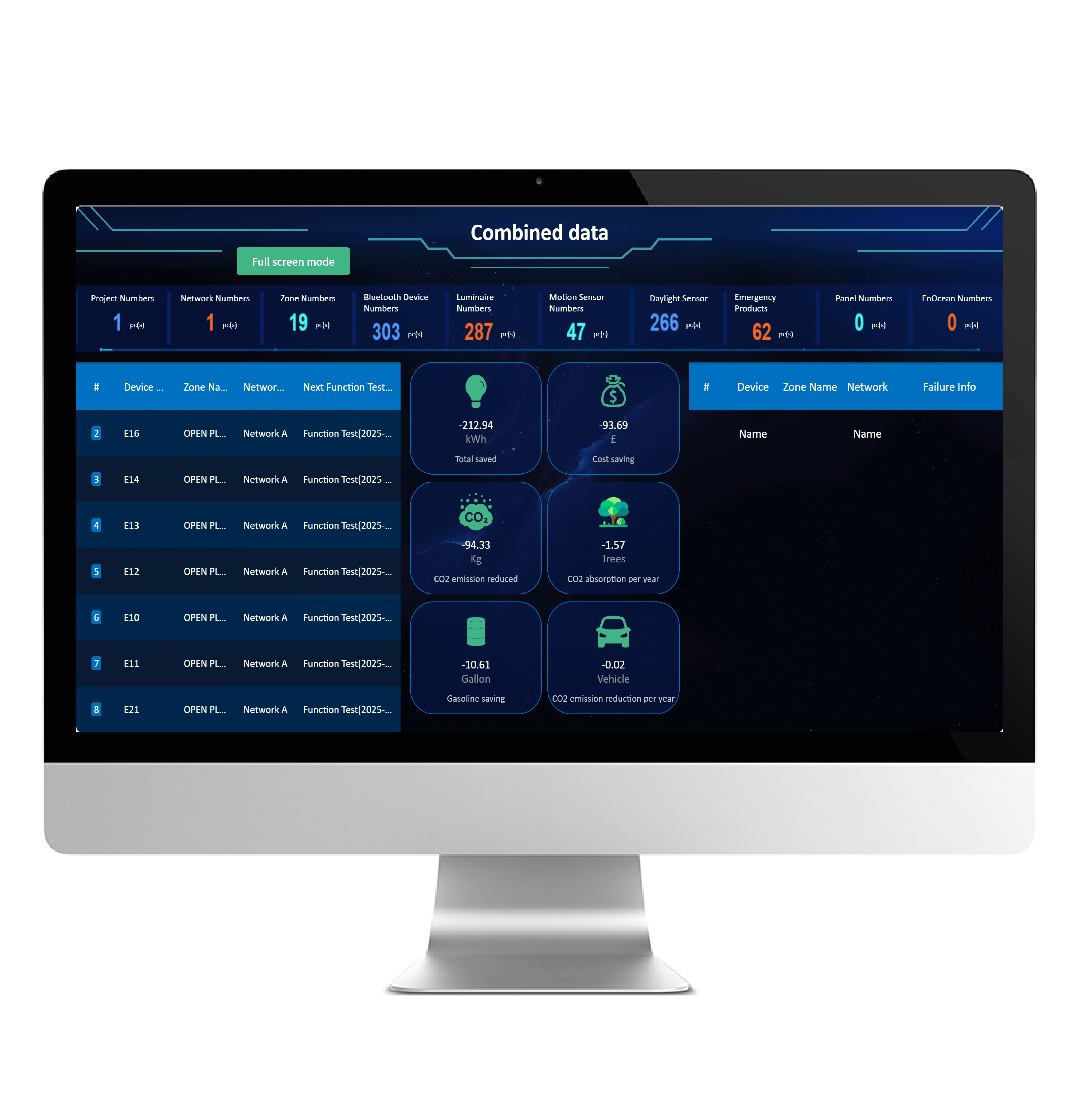
Remote management overcomes space limits. Managers can monitor devices, allocate resources online anytime, boosting efficiency and cutting costs.
System Key Features
Zone/Group
ZONE/GROUP
- Management unit within the network
- Divide devices into areas or groups for easy group management
Motion Sensor
DETAILED MOTION SENSOR SETTINGS
- Sensor status checking
- Control object setting
- Parameters programming, such as hold time, stand-by time settings
- Power-on status(memory against power loss)
- Auto/Semi-auto mode optional
Daylight Sensor
DAYLIGHT SENSOR
- Detects ambient light intensity in real time and automatically adjusts lamp brightness for optimal energy efficiency
- Controls lamp switching based on changes in ambient light
- Ensures consistent and comfortable lighting in both work and living environments
Luminaires
DETAILED LUMINAIRE SETTINGS
- Turn lights on and off or adjust their brightness
- Set the dimming method: linear or logarithmic
- Set the range of light and color temperature
- Set the state of the light after power failure and restart
Scenes
SCENES
- Up to 7 types of scenes for options
- Customized scenes are available, easy to identify and recall
- Time based scene featured
- Can be easily recalled by app /schedule /touch panel/retractive switch
Schedulle & Astro-timer
SCHEDULE & ASTRO-TIMER
- Schedule pattern can be programmed to repeat on a daily / weekly / monthly / yearly basis, or can be recalled at specific time
- Supports multiple schedules running concurrently
- Can integrate with motion sensors and daylight sensors (ALS) for maximum flexibility in real-world applications
Push Switches
PUSH SWITCHES
- Manual control such as turning on/off, brightness adjustment, color tuning, recall scenes, etc
- Fully support EnOcean self-powered switch module PTM21 5B(HBESO1/ & HBES01/B)
- Controll object setting
- Sensor take over featured
Floorplan & Staircase Function
FLOORPLAN & STAIRCASE FUNCTION
- Simple setup, powerful functions
- Use configuration files to synchronize settings
- Strengthen the connection between corridors, improve the safety and convenience of the use place
Gateway Synchronous Control
SYNCHRONOUS CONTROL
- Remote management, convenient and fast
- Synchronous management of multiple networks
- Optimized use of resources, saving energy
Bulk Commissioning
BULK COMMISSIONING
- Also known as one-key commissioning, or copy and paste settings
- Sync the profile settings to all luminaires in one effort!
Offline Commissioning
OFFLINE COMMISSIONING
- Create projects and networks with an internet connection
- Even if there is no internet at the project site, installers can add and configure devices
- Automatically upload settings to the server when internet connection is restored
RGBW Function
RGBW FUNCTION
- Provide customers with three usage modes: RGBW, xyY, DUV
- All-in-one at affordable price
Shelly Energy Metering
SHELLY ENERGY METERING
- Compatible with shelly energy metering to obtain accurate energy consumption data
Multi Meter
MULTI METER
- Detect temperature, humidity and illumination in the control area
- Provide support for data management
Device Network Relations Check
DEVICE NETWORK RELATIONS CHECK
- Quick check on the devices /zones /groups that are being controlled by a selected device
- Quick check on the devices /zones /groups that are controlling a selected device
Connectivity Check
CONNECTIVITY CHECK
- Test the quality of Bluetooth connectivity between devices
- Help installers determine the appropriate installation location
- On-site troubleshooting
Motion Sensor False Trigger Diagnosis
MOTION SENSOR FALSE TRIGGER DIAGNOSIS
- Ensure that no one is on site before testing
- On-site troubleshooting for sensor trigger diagnosis
Motion Sensor Detection Range Test
MOTION SENSOR DETECTION RANGE TEST
- Can be used to test whether the sensor is working properly
- Help determine the appropriate installation distance
Check Schedule
CHECK SCHEDULE
- Check schedules in the luminaires
- Modify or delete the detected abnormal schedule
Access Management
ACCESS MANAGEMENT
- Network and project management
- Three permission levels
- Ownership transfer or network sharing via scanning QR code or entering a redeem code
Multiple Purpose Report Generation
MULTIPLE PURPOSE REPORT GENERATION
- Emergency testing report
- Emergency scheduling
- Project report
Gateway Offline Notification
GATEWAY OFFLINE NOTIFICATION
- Turn on the notification switch in the app.
- If the gateway is offline for more than 30 minutes, you will receive an email notification.
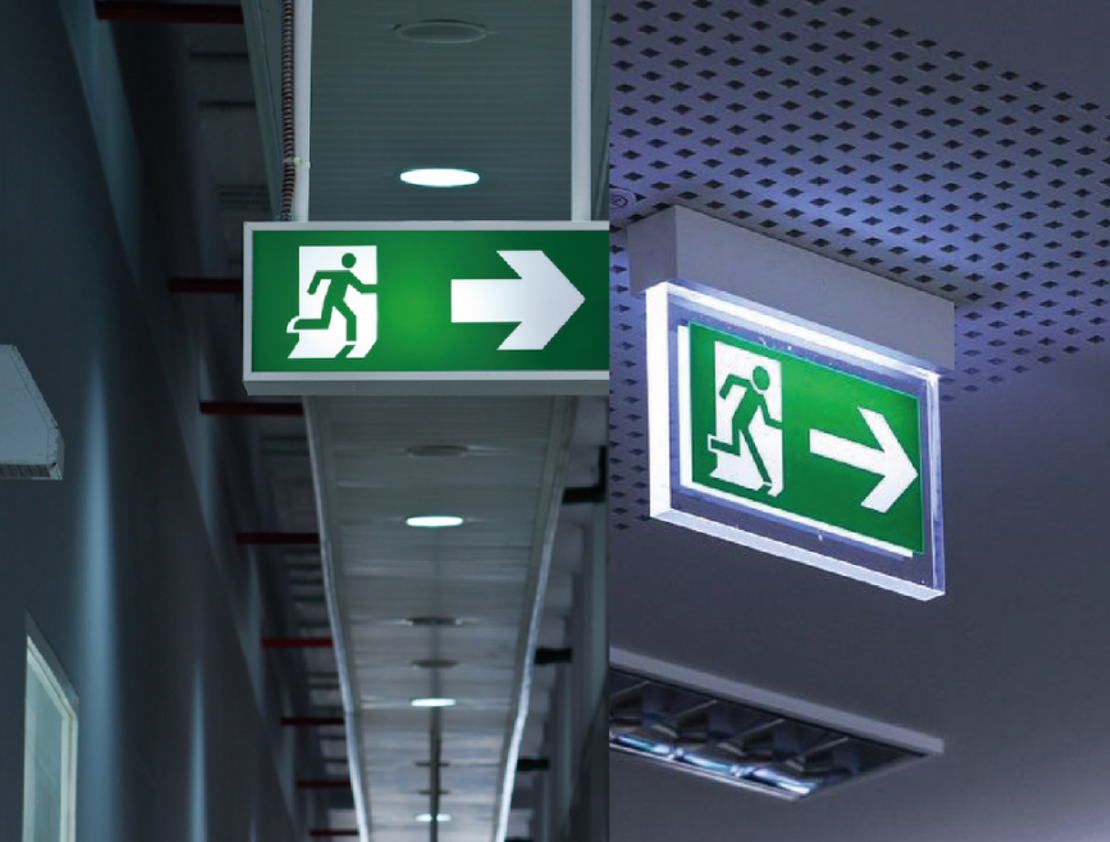
Emergency Failure Notification
EMERGENCY FAILURE NOTIFICATION
- Set up emergency fault notification related information
- Receiving fault notification in time can help managers arrange maintenance in time
- Optimize management and improve safety
Alert for Excess Lux / Temperature / Humidity